
Your catalog is the starting point.
Catalog-only recommendations use approved products, collections and connected product information. No competitor inventory, open-web results or unauthorized marketplace listings.
Guide ecommerce shoppers from product discovery to confident purchase. WardrobeIt understands intent, recommends from your approved catalog, answers buying questions, supports virtual try-on, and connects the journey with cart actions and measurable outcomes.
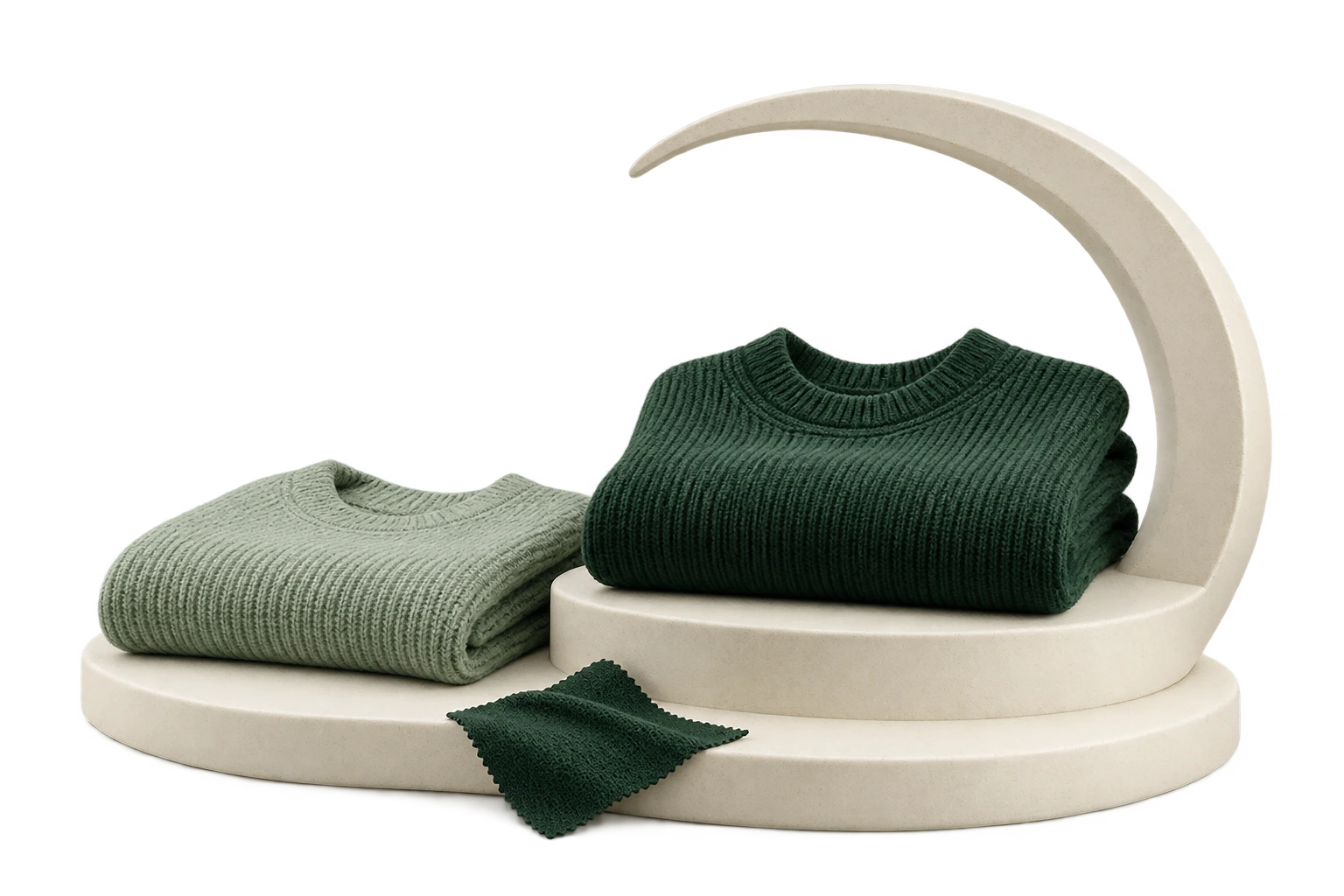
The AI shopping assistant adapts to shopper intent, the current page, product context, budget, preferences and the stage of the buying journey.
“I need a look for an outdoor wedding.”
Use occasion, style and budget to narrow the search. Ask for missing details before building a shortlist.
Explore discovery
An outdoor wedding, something relaxed.
Do you prefer a dress or coordinated separates?
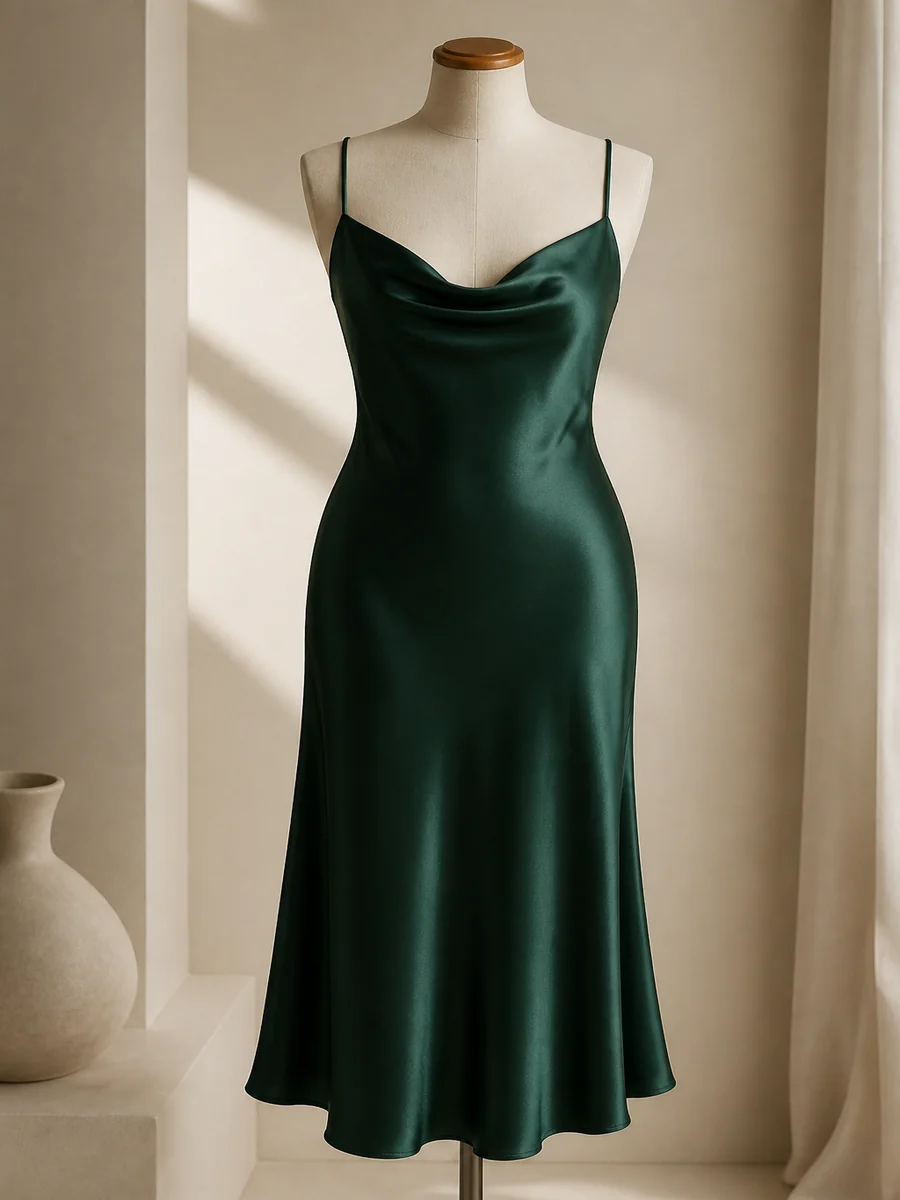 Satin slipA dress direction
 Linen blazerA separates direction
“Which of these works better for me?”
Explain meaningful differences using merchant-approved product facts. Keep the shopper’s intended use in the comparison.
Explore product guidanceHelp me compare these two.
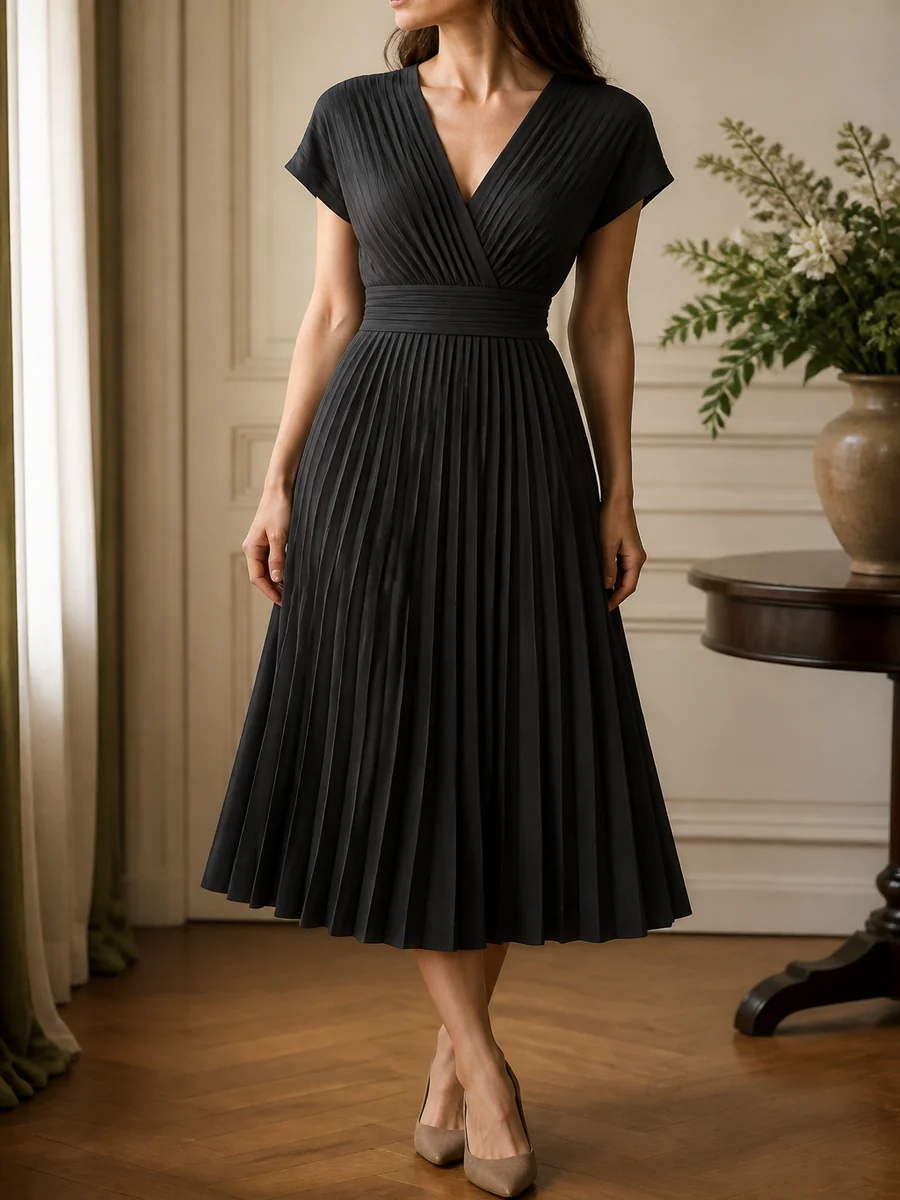 Pleated midiCompare silhouetteSatin slipCompare styling
“What would work with this dress?”
Find relevant accessories and complementary products within the shopper’s preferences and stated budget.
Explore complete looksSatin slipStarting piece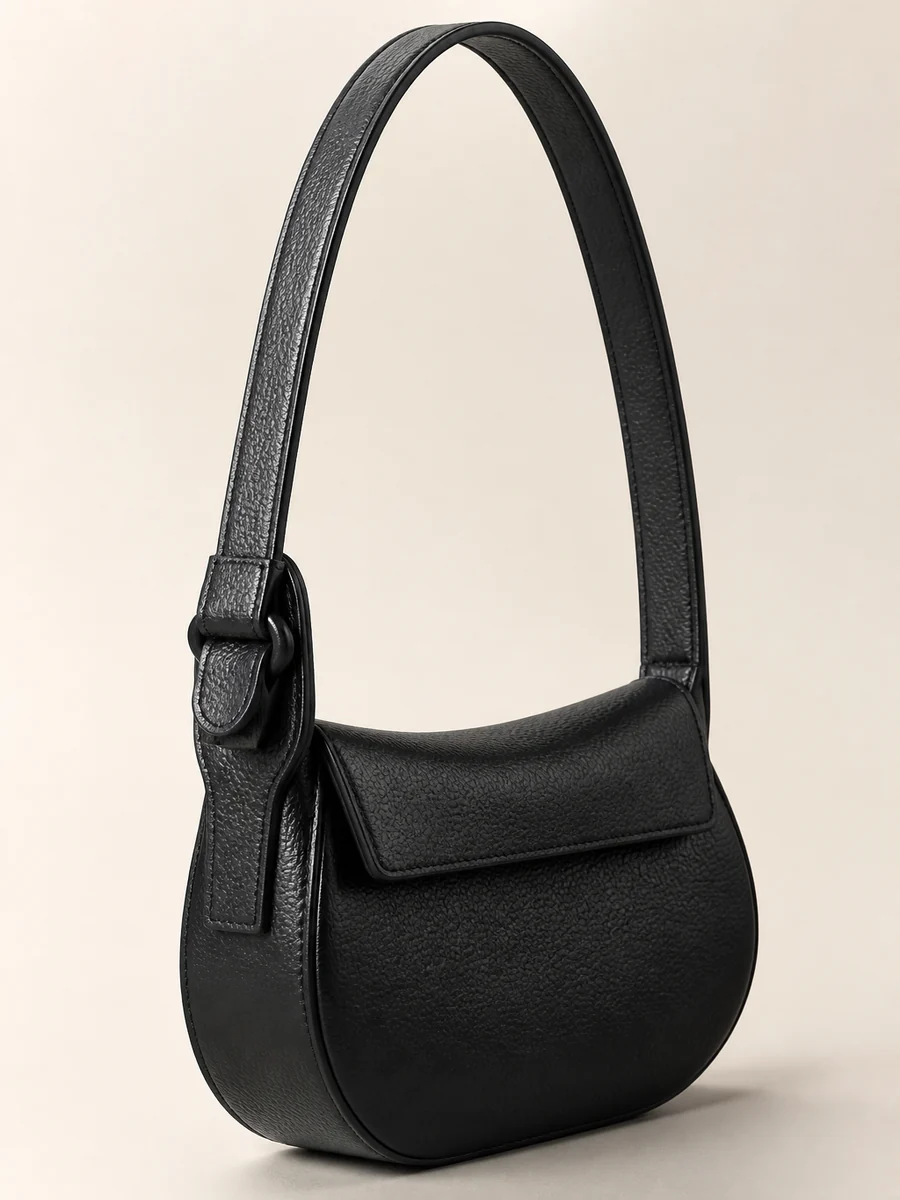 Sculpted bagComplementary direction
Would you like to explore shoes as well?
“I usually wear medium, but prefer a relaxed fit.”
Use the connected size guide and product fit notes. Clarify uncertain details instead of treating a size recommendation as a fit guarantee.
Explore buying answersMedium, with a relaxed fit.
Let’s check the product measurements and size guide together.
“What should I know before buying?”
Bring product and store answers into the buying journey, from care information to approved delivery and return policies.
Explore store helpCan I check the care and return details?
If a detail is missing, I can clarify or route you to support.
The conversation understands the need. The merchant’s connected catalog and approved store information define the recommendation.
Pleated midiApproved catalog productSatin slipApproved catalog productCatalog-only recommendations use approved products, collections and connected product information. No competitor inventory, open-web results or unauthorized marketplace listings.
Use synchronized price and inventory details to qualify valid variants and inventory-aware alternatives. Revalidate the selected product in the merchant cart.
Answers stay within supplied specifications, materials, ingredients, delivery information, policies and offer permissions. When a detail is missing, clarify or route to support instead of guessing.
Product understanding should reduce uncertainty before purchase, with useful comparisons and buying answers beside the products.
Compare the differences that matter: fit, material, color, silhouette, price, care, delivery information and occasion suitability, using connected product evidence.
Explain the size guide, product measurements and merchant fit notes. Ask a useful follow-up when the shopper’s needs or the available information are incomplete.
Answer buying questions from approved product knowledge and store policies. Clarify or hand off when an answer cannot be grounded.
Use merchant-connected reviews and approved evidence where available. Distinguish a shopper opinion from a verified product specification.
Offer relevant catalog alternatives when a product does not suit the need. Explain why a different option may be worth considering.
Pleated midiA structured styling directionSatin slipA fluid styling directionVirtual Try-On can help shoppers preview eligible products within the shopping conversation. It complements product information and size guidance.
A preview can support a decision, but it does not guarantee fit, proportions, color, fabric behavior or real-world appearance. The shopper stays in control of the next step.
Explore Virtual Try-OnAvailable for supported products, plans and photo requirements.
Follow the consent-led mobile or desktop entry into the preview.
Retry and Change where supported, then Continue to Cart when ready.
Connect product interest to supported cart actions, with explicit selections, merchant permissions and checkout validation.
Recommend Product, then Select Variant using connected options. Confirm the shopper’s size, color and quantity before any supported cart action.
Add Relevant Products where they suit the need. Budget-Based Combinations consider the shopper’s stated range and connected product prices.
Satin slipStarting piece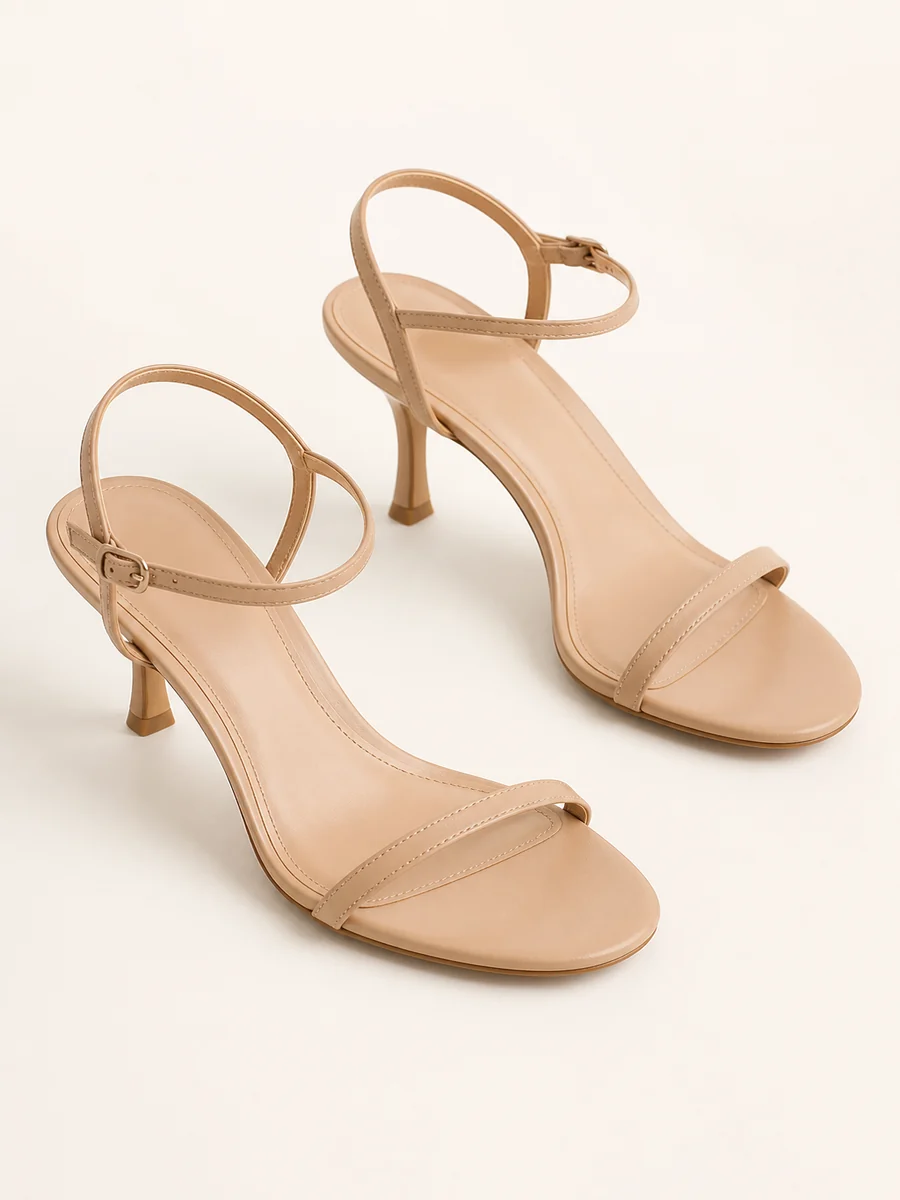 Neutral sandalComplementary direction
Confirm the combined price against your budget before adding products.
Apply Approved Offer only when the merchant has enabled the capability and the shopper, cart and products meet the configured eligibility.
No unsupported offer or discount is promised.
Add to Cart after the selection is confirmed. Continue to Checkout through the store’s existing checkout, where final pricing, availability and promotions are validated.
Merchant control shapes what the assistant knows, recommends, says and does, with configuration that matches the capabilities enabled for the store.
Keep the experience recognizable. Configure the available widget theme and presentation, and use approved guidance for how the assistant represents your store.
Connect and review the product facts, size guides and store policies that can support buying answers.
Recommendation Rules, Product Priorities, Offer Permissions and AI Guardrails depend on the controls enabled for your setup. Confirm their scope in the merchant portal before relying on a workflow.
Shopping AssistantConnect your catalog. Configure your rules. Launch your AI-powered shopping assistant.
