
Stylist chat
Natural-language discovery against this catalog only, including occasion, budget, style and size.

Architecture, Shopify setup, merchant portal controls, storefront widget embed, shopper journeys, and the public plugin API, compiled from the shipping product (August 2026).
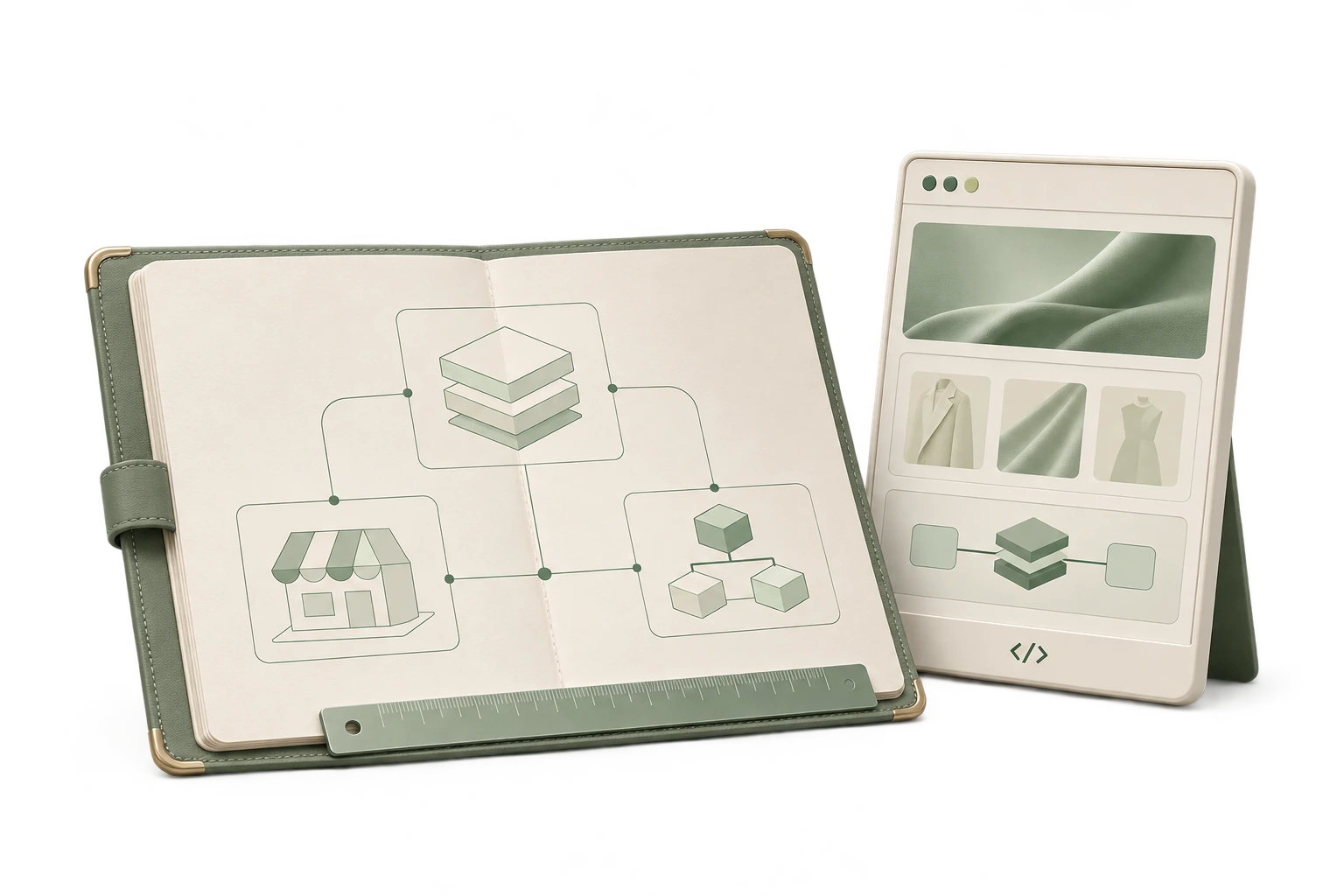
WardrobeIt is a merchant-owned guided shopping layer. Products, checkout and customer relationships remain with the store, rather than an external marketplace or generic support bot.
Natural-language discovery against this catalog only, including occasion, budget, style and size.
Structured retrieval over synchronized merchant inventory, with no cross-store product mixing or invented SKUs.
Eligible visual previews with supported capture routes, appropriate consent and clear limitations. A preview is not a fit guarantee.
Read the request path and trust boundaries before implementation. The merchant platform remains final authority for product, price, availability, cart, checkout, tax, payment and fulfillment.
Keep implemented merchant workflows separate from future screens. Plan limits, prices and eligible capabilities come from the active pricing system and accepted agreement.
A portal preview is not proof of a released capability. Confirm availability and plan eligibility for the merchant account.
The widget uses a store-scoped browser credential. Keep the Shopify Admin token and server-only merchant credentials outside theme files and client bundles.
Theme Embed names the current theme-script route. It does not imply a Shopify App Store app, OAuth install, theme app extension or app block.
Merchant Portal is the control plane for store setup and supported widget configuration. Keep credentials in the appropriate secure workflow and show only features available to the merchant account.
Validate the store domain and authorized Admin API access before catalog ingestion.
Import supported products, variants, images, tags and attributes from the merchant source.
Confirm product identifiers and supported metafield mappings before enabling product-page context.
Review assistant presentation, Merchant Knowledge, eligible SKU try-on and supported page behavior.
Re-sync through the supported workspace route, inspect errors and repeat product/cart checks after changes.
Storefront plugin traffic uses its store-scoped credential. Approved server integrations use their own credentials and onboarding contract; this public reference does not issue access or expose secrets.
Yes. The current documented Shopify connection uses the approved custom-app Admin API token in Merchant Portal, followed by catalog review and the approved theme-script installation path. Do not assume a self-serve OAuth App Store install is available.
Use the catalog identifier supplied by the supported synchronization and product-mapping workflow. Where your implementation writes the wardrobeit.id metafield, confirm that mapping before referencing it in Liquid for data-product-id.
No , merchants enable eligible SKUs in the portal. The widget hides try-on when a SKU is not enabled.
Use an approved preview or development store, add the supplied theme script and verify the assistant, product cards, Product Q&A, eligible try-on and valid merchant cart actions on the intended pages.