Fashion & Apparel
Show only garments validated for the active model, product imagery and merchant setup.
WardrobeIt Virtual Try-On connects the visual preview with eligible catalog products, color comparison, product selection, complete-look recommendations, variant choice, and cart action.

Virtual Try-On offers a generated visual preview for eligible catalog products. It complements product information and size guidance; it does not guarantee fit or real-world appearance.
The product stays connected while the shopper considers supported colors, similar styles, complementary pieces and the next purchase action.

Choose an eligible productSupported products and plans onlyProduct selection, photo preparation, preview and purchase remain separate decisions, each with a clear source and next action.
Review the catalog item, product imagery and supported Try-On eligibility before asking for a photo.
Catalog productConfirm eligibility for the active modelOffer the supported mobile camera, device upload or configured desktop continuation. Explain consent and privacy before processing.
Process a suitable photo through the active model. Show honest quality, retry or failure guidance when a preview cannot be produced.
Compare only eligible products and supported catalog colors. Previous-result access depends on the enabled experience and privacy settings.
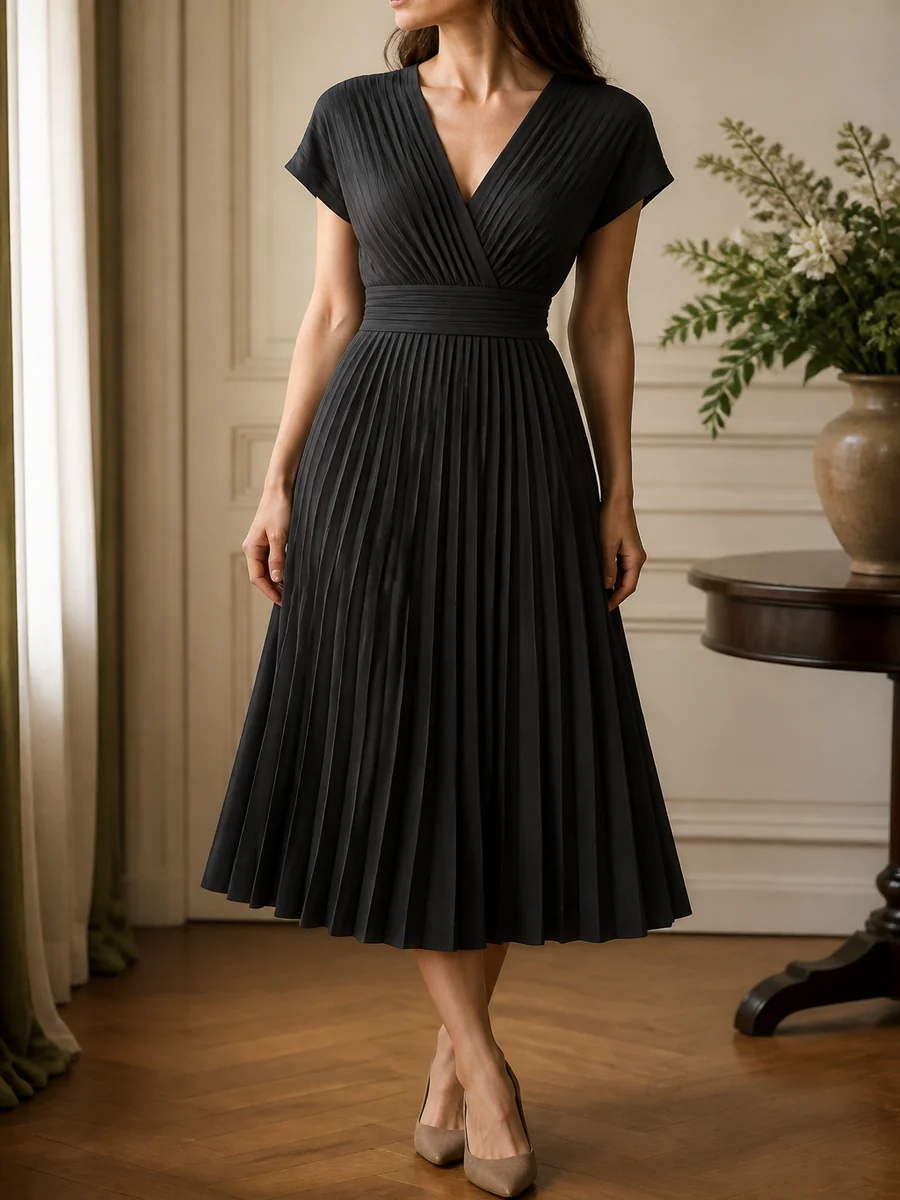
Pleated midiReview another product direction
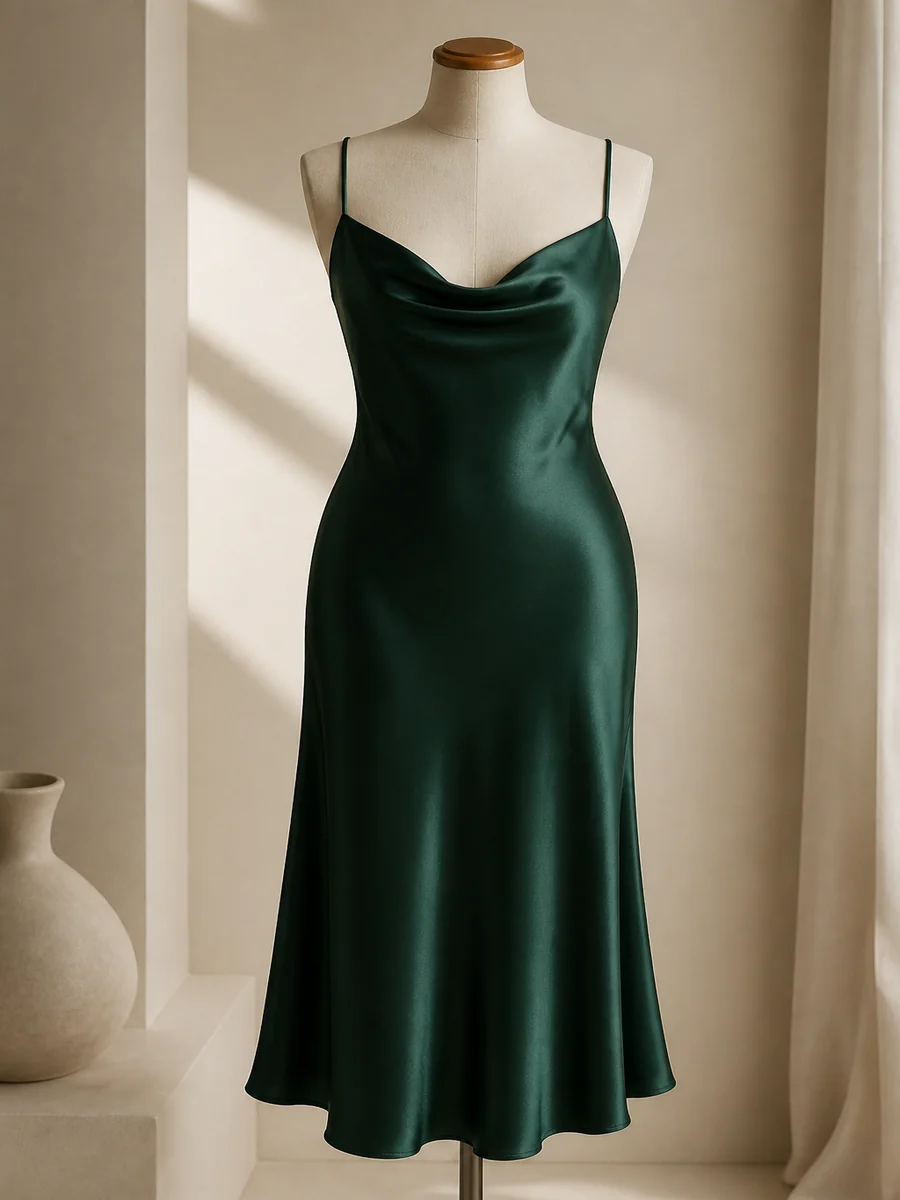
Satin slipKeep product eligibility in viewReview product details, connected size guidance, price and supported variants before selecting the preferred option.
Review the chosen productUse the connected size guideConfirm selected products, variants and quantities. Use the actual merchant-cart response before reporting a successful action.
A preview can be a starting point for further evaluation, rather than the end of the shopping journey.
Keep the product and consider another eligible catalog color where supported.
Compare a different technically eligible item without treating every catalog product as Try-On capable.
Explore a different silhouette or styling direction using approved product information.
Consider merchant-owned complete-look recommendations as shopping suggestions.
Return to an earlier supported result or selection only where the enabled experience and privacy configuration provide it.
Eligibility is product- and configuration-dependent. Garment Try-On does not imply footwear, eyewear, jewelry, beauty or children-focused Try-On support.
Show only garments validated for the active model, product imagery and merchant setup.
Pair eligible visual evaluation with careful occasion guidance, product facts and the supported service route.
Validate category, imagery and result quality before enabling supported garment products.
Complete-look recommendations can add relevant merchant products around the selected garment, within a stated occasion, style and budget.
Selected garmentCheck Try-On eligibility
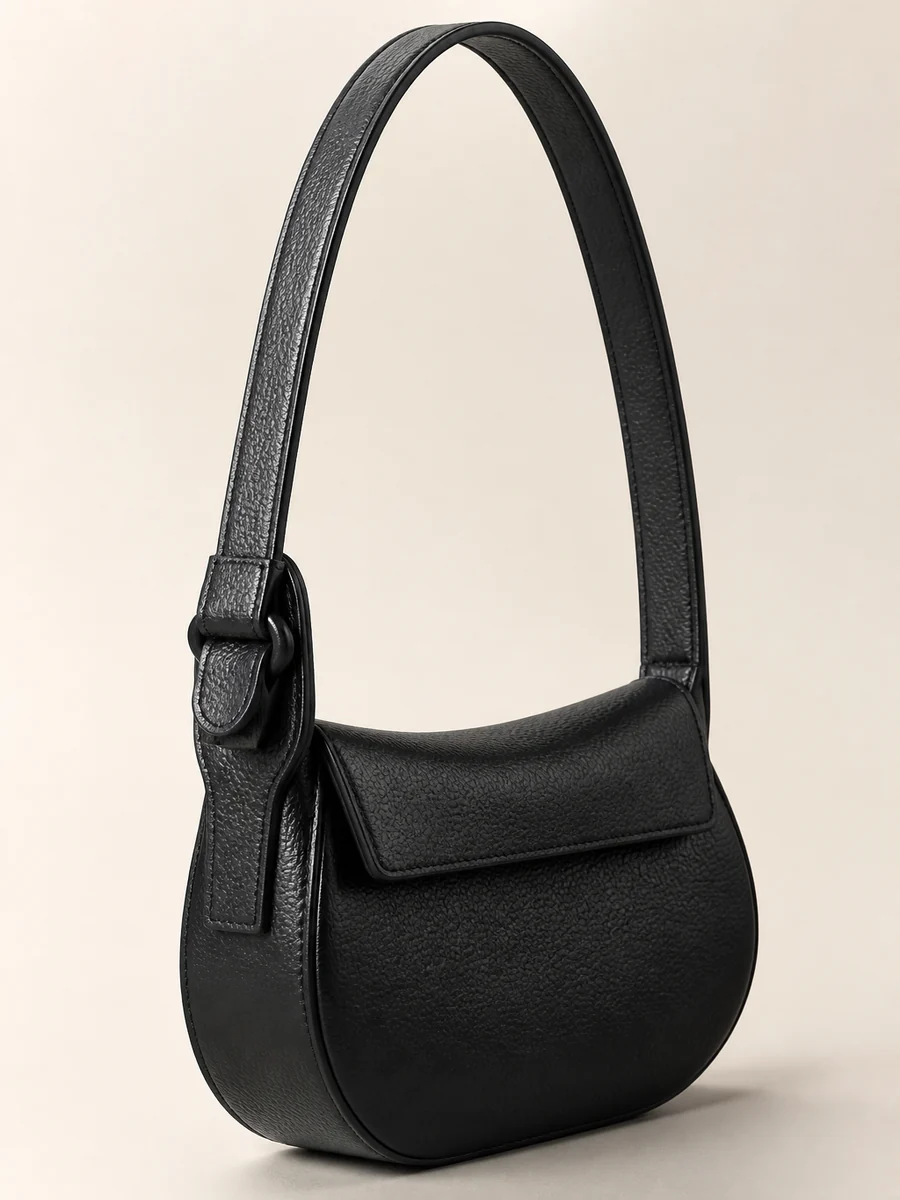
Sculpted bagComplementary shopping suggestion
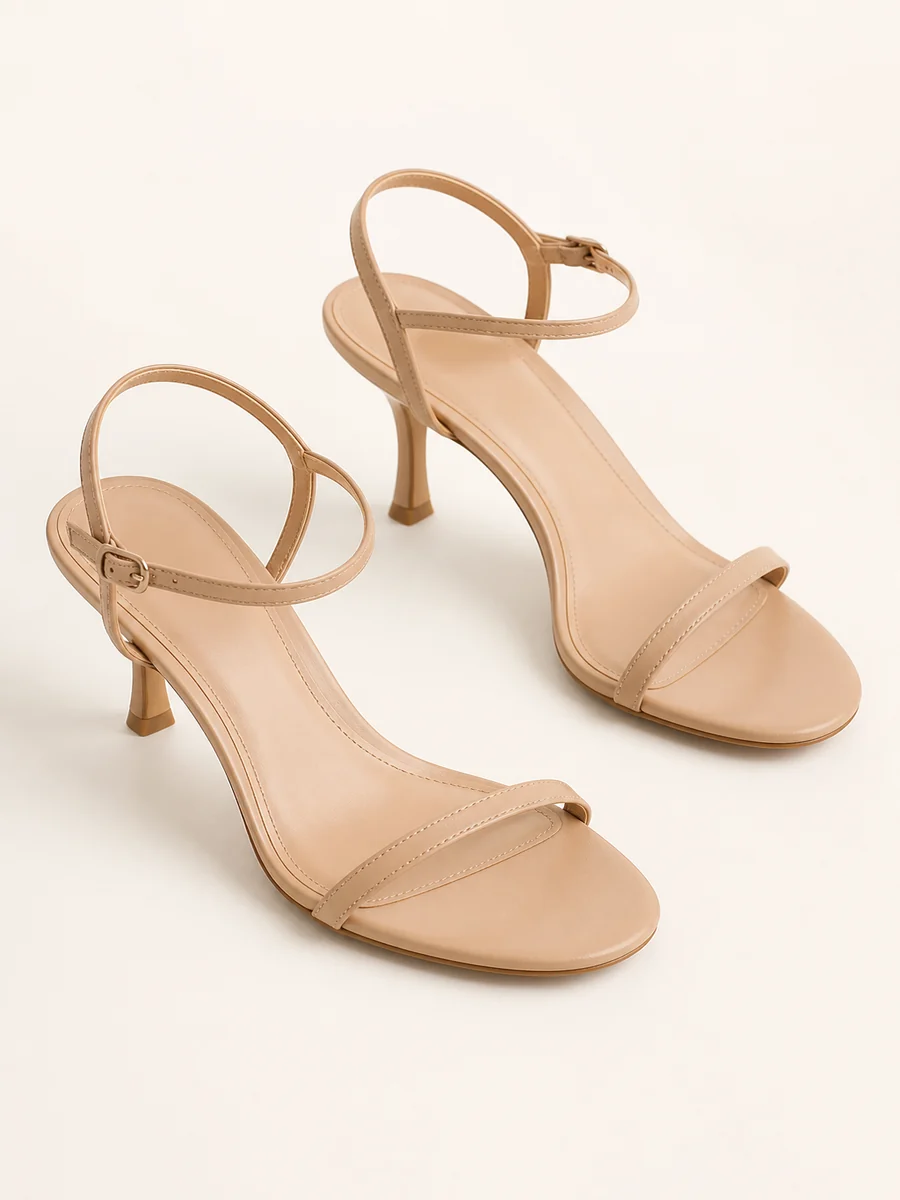
Neutral sandalComplementary shopping suggestionA bag or shoe can complement a look without being eligible for the same Try-On model. Check product facts, variants and pricing for each selected item.
Explore Complete the LookThe generated image does not establish fit, stock, price or a valid selected variant.
Keep limitations and real product information visible.
Select the applicable size, color, configuration and quantity.
Use supported cart actions and actual confirmation before reporting success.
The store validates final pricing, availability, delivery and checkout conditions.
Selected catalog productConfirm the actual product optionThe merchant workspace supports operational review. Visible settings alone do not prove that every category or advanced workflow is technically available.
Review individual catalog products and image readiness before enabling a shopper-facing entry.
Confirm approved products, collections and supported categories against the active model.
Review image angle, garment visibility, missing assets and products requiring replacement imagery.
Make photo guidance, retry messages, result limitations and privacy links clear.
Review available starts, products, comparisons, failures and supported cart events. Advanced automation and controls depend on enabled capabilities.
Consent, processing, retention and deletion information belong before the upload or capture action. Detailed terms remain on the image privacy page.
Explain the requested image action and give the shopper the choice to continue or cancel before processing.
Describe the actual processing purpose and only the safeguards supported by the current product and privacy documentation.
Explain the retention behavior applicable to the enabled configuration. Do not invent a deletion period or storage guarantee.
Provide the applicable way to remove an image or saved result, or submit a data request.
Useful reporting follows visual evaluation into product understanding and supported commerce activity, where the required data is connected.
Review starts, completed results and retries under consistent event definitions.
Inspect eligible product activity, supported color comparisons and style interest.
Follow supported movement from preview into product evaluation.
Review variant confirmations and valid cart actions after a supported preview.
Inspect complete-look engagement and selected complementary products.
Use documented assisted-order and revenue definitions. Observed participation does not prove incremental lift.
Product interest and repeated submission problems can point to different work for the merchant team.
Review which eligible catalog options attract attention before making assortment decisions.
Improve photo instructions or product imagery where repeated quality problems appear.
Inspect the transition from preview to details, variants, complete looks and cart actions. Keep observation separate from causation.
Review product readiness, consent, preview limitations and cart continuation together before publishing.
Connect eligible catalog products and Select validated coverage. Review the real imagery, variants and active-model eligibility.
Configure guidance and privacy, Test the shopper flow and Review mobile usability, including consent visibility and the route back to product selection.
Validate reporting against supported preview, product, variant and cart events before interpreting assisted outcomes.
A photo or camera-supported experience that generates a visual preview of an eligible product and keeps product information, recommendations, variants, cart actions, and analytics connected.
No. It provides a generated visual preview and should not be presented as a guarantee of exact physical fit, measurements, fabric movement, or real-world appearance.
Yes. The supported mobile experience can let shoppers open the camera or upload a photo inside the merchant’s mobile website experience.
Yes, when those products and colors are eligible for the active try-on model and supported by the connected catalog.
WardrobeIt can connect the selected eligible product with catalog-only complete-look recommendations, product replacement, budget controls, variants, and full-look cart actions.
The experience should explain image purpose, consent, processing, retention, deletion, and applicable access before the shopper continues. Detailed legal information belongs on the image privacy page.
The live website should show only eligible fashion and apparel products technically validated for the active try-on model and merchant configuration.
No. Results may vary and should not be described as an exact representation of product fit, color, scale, texture, movement, or final appearance.
Connect eligible catalog products with visual previews, complete-look recommendations, product truth, variant selection, cart actions, privacy controls, and merchant reporting.