Webinars
Session brief: Virtual try-on setup and image privacy
Eligibility, consent, and image handling—without promising guaranteed fit.
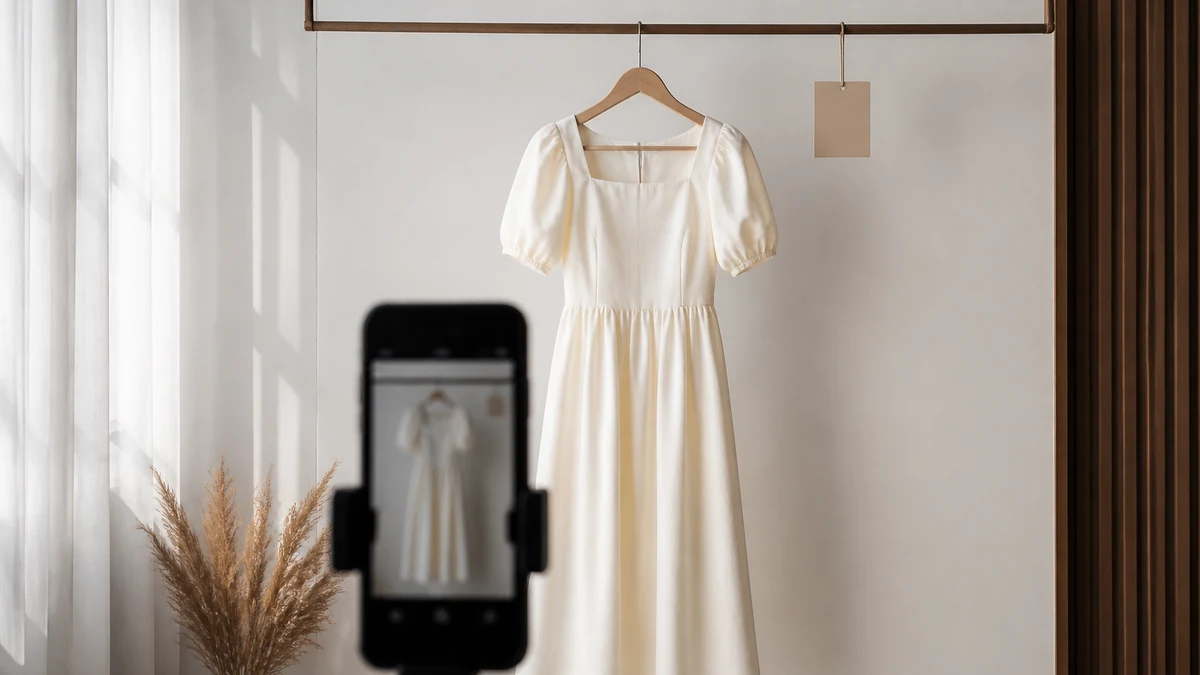
This written session covers eligible Virtual Try-On as a visualization aid, merchant setup, and the privacy documentation shoppers and merchants should be able to find. It does not include a live demo recording, a celebrity stylist, or a claimed reduction in return rate.
The sentence to teach before any setup click: Virtual Try-On is a visualization for eligible products. It is not an exact-fit assessment. Shopper images are handled as described on the public privacy page.
Learning objectives
- Explain eligibility without calling the preview a fit guarantee.
- Find the setup runbook and complete only the documented steps.
- Point to the image privacy page when a shopper or retailer asks how photos are handled.
- Know what to say when a product is not eligible.
What eligibility means in practice
Not every SKU is a try-on candidate. Eligibility is a product fact, not a marketing mood. Forcing a preview on an ineligible item trains shoppers to treat the feature as decoration. For eligible items, visualization can reduce uncertainty about how a garment sits on a body shape in a photo. It does not replace measurements, garment construction, size charts, or return policy.
Footwear and jewelry teams should be especially careful. A visualization is still not a Brannock device and not a metal-purity certificate. Keep those categories inside catalog facts and knowledge.
Setup path
Hands-on steps remain in Virtual Try-On Setup. Do not paste a freelancer snippet. Product capability language lives on Virtual Try-On. Complete catalog connection and honest eligibility before you invite shoppers to upload or capture an image.
- Confirm which products merchandising considers eligible.
- Follow only the Help Center setup steps.
- Verify a pass path (eligible SKU) and a fail path (ineligible SKU) on staging.
- Confirm staff can find the privacy URL without searching Slack.
- Add knowledge language that repeats the visualization sentence, not a fit guarantee.
What not to say after the session
Do not tell a shopper that try-on “knows your size.” Do not imply biometric identification. Do not promise a return-rate outcome. Do not use try-on as a cart-recovery script. Visualization can reduce uncertainty; it does not eliminate it.
Team drill (ungraded)
If a salesperson says “the try-on proves it will fit,” what do you correct? If a shopper asks where their photo goes, which URL do you send? If a product is not eligible, what should the assistant do instead of forcing a preview? Preferred answers: correct to visualization language; send the legal try-on privacy page; offer catalog facts, size notes if published, or an in-catalog alternative—not an invented preview.
Discussion prompts
- Which product types will we never mark eligible in V1?
- Who answers privacy questions: support, legal, or merchandising?
- Does our return policy still apply the same way when a shopper used try-on?
- Are campaign claims about “see yourself in it” weaker than a fit guarantee, and do ads match that?
Eligibility as a merchandising list
Before anyone follows setup clicks, write in-scope and out-of-scope product types. Footwear, jewelry, and made-to-order bridal pieces often need a deliberate no. Forcing a preview on an ineligible SKU trains shoppers to treat visualization as decoration. Excluding eligible SKUs without telling support creates improvised sales-floor claims.
Ads must use the same sentence as the store. “See your exact size” is incompatible with this brief. Media, merchandising, and support should share one URL for privacy questions: Virtual Try-On and Image Privacy.
Failure modes
- Forum snippets instead of Help Center.
- Try-on used as a cart-recovery script.
- Knowledge that upgrades visualization to fit proof.
- A claimed return-rate drop attached to this session.
After the session
Put the privacy URL in the support macro. Put the visualization sentence in merchant knowledge. Put eligibility in merchandising, not in an ad hoc chat instruction. Related: Merchant Knowledge, Fashion, and Getting Started.
No certificate is issued for reading this brief. Completion is operational: staff can explain eligibility and privacy without overclaiming fit. Academy companion: Academy.
Workshop artifacts
An eligibility list signed by merchandising. A support macro that contains only the privacy URL plus visualization language. A staging checklist for one eligible and one ineligible SKU. An ad review note that rejects exact-fit creative. Without those artifacts, setup clicks are premature.
Hands-on path stays in Help Center. Product language stays on Virtual Try-On. Legal language stays on Virtual Try-On and Image Privacy. This brief will not paraphrase the legal page into a retention or biometric story.
What success looks like
- Staff can explain eligibility in one minute.
- Ineligible products do not force a preview.
- Shopper photo questions get a URL, not a guess.
- No return-rate claim is attached to the feature.
Academy companion (ungraded): Academy. Launch context: Getting Started.
Questions this brief will not answer
It will not assign a celebrity stylist. It will not provide a Zoom ID. It will not claim returns dropped. It will not invent a biometric retention story. Those absences are product truth, not missing polish. Legal source: Virtual Try-On and Image Privacy.
If a live dated workshop is later published, it will have a real time and join link. Until then, these artifacts are the session.
Completion is operational: an eligibility list, a privacy macro, a pass path and a fail path on staging, and ads that do not outrun visualization language. There is still no speaker bio, clock, or certificate on this page. Virtual Try-On Setup.