Guides
Set recommendation rules without leaving the catalog
Recommendation logic should encode merchandising priorities, inventory, and brand guardrails—not open-web substitution.
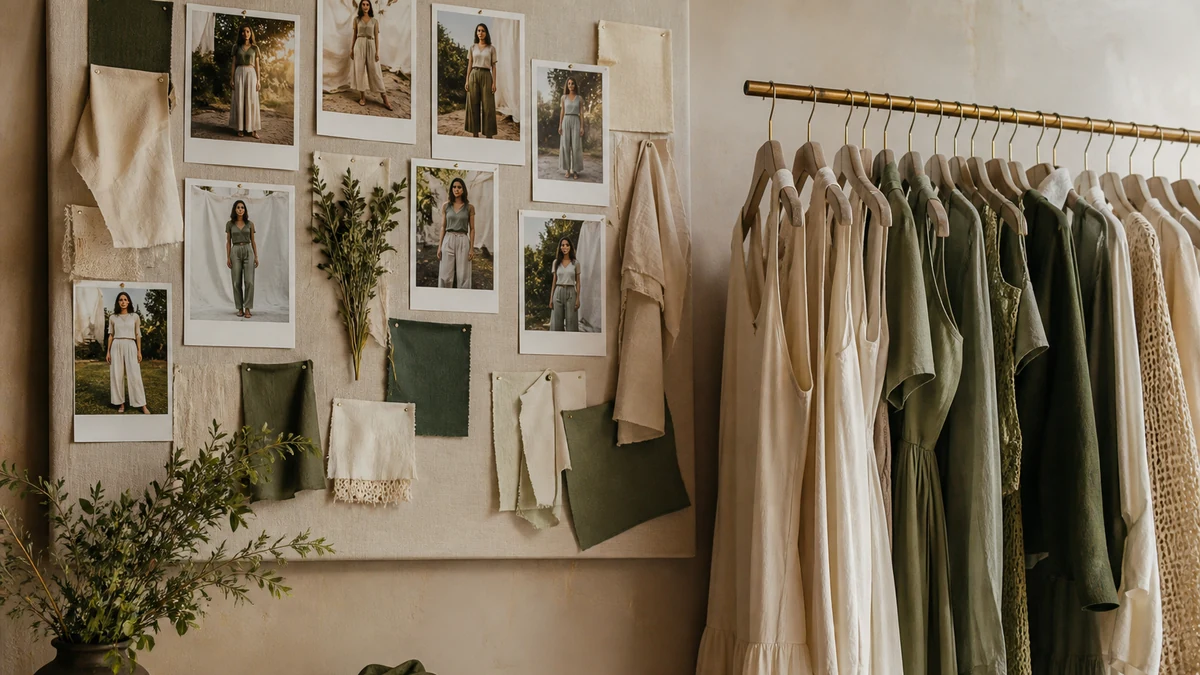
Once the catalog is connected, “helpful” has to mean something specific for your brand. Prefer in-stock. Stay inside a collection. Keep complete-the-look inside a price band. Suppress SKUs you do not want in conversation. Those are merchandising rules. They are not a request for a model to be creative, and they are not an invitation to complete an outfit from another store’s website.
This guide explains how to think about recommendation rules so they remain catalog-only. Configuration lives in the merchant portal. Verification happens on a staging theme with real SKUs.
What a rule is for
Rules encode priorities the catalog cannot guess: what you would rather sell together, what you will not discount into a look, and what should never appear next to a hero product. Empty rules do not make the assistant “more AI.” They make it more likely to surface technically valid but commercially awkward combinations—a luxury dress next to a clearance accessory you do not consider part of the look, or a gift card inside a complete-the-look set.
Merchandising already makes these decisions in buying meetings. The portal is where those decisions become enforceable for conversation. If they exist only in a slide, the assistant cannot apply them.
Start with inventory and identity
- In-stock first, unless you have a documented backorder story in knowledge.
- Stay inside the product types and collections merchandising actually owns.
- Do not pair a luxury dress with an accessory you do not sell.
- Do not let retired or unpublished SKUs remain eligible because a collection was never cleaned.
Complete the Look is a rule surface
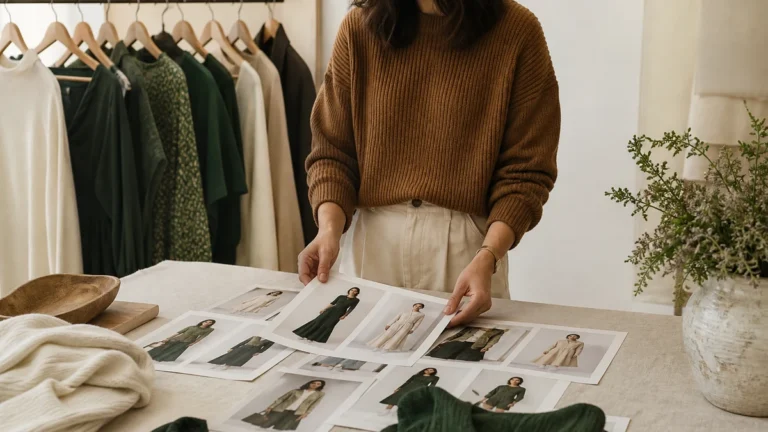
Outfit pairing is only honest when every complementary item is a SKU. If a lookbook photo includes a belt you do not stock, do not ask the assistant to “match the photo.” Ask it to match catalog items. Read Complete the Look before you enable pairing in production.
Fashion pairing usually needs constraints beyond “anything in the store.” Useful starting constraints include shared occasion or collection, a price relationship merchandising accepts, and inventory. Jewelry and shoes should be included only when they are SKUs on the same catalog, not when they appear in campaign photography.
What not to encode as a rule
Do not encode invented fit (“always suggest a size down”). Do not encode unauthorized discounts. Do not encode a promise that a complementary item will “complete” a look in a way shoppers will hear as a guarantee. Rules should constrain retrieval, not invent commercial outcomes.
Do not copy plan prices or offer percentages into a rule description as if they were product behavior. Offer logic, when you use it, belongs to the governed capability described on Margin-Aware Offers, not to an informal “just knock 20% off if they hesitate” instruction.
How to test a rule
Pick one PDP. Write the intended complementary set from merchandising before you look at the assistant. Ask the assistant for a complete look. Compare. If the result includes an out-of-stock size, a collection you excluded, or an accessory you do not sell, the rule is not done.
- Document the intended set on paper (SKUs, not vibes).
- Ask the same question twice after an inventory change if you can safely do so in staging.
- Ask a question that should fail (a lookbook piece you do not stock) and confirm the assistant does not invent it.
- Repeat after a drop, not only at launch.
A practical merchandising workshop
Sit buying and ecommerce with five hero PDPs. For each, list allowed pairing collections, forbidden SKUs, and whether try-on visualization is even in scope for that product. Then configure the portal to match the paper, not the other way around. Use Merchant Portal Guide as the runbook for where those controls live.
Failure modes
- Rules written against a development catalog that does not match production collections.
- Complete-the-look enabled before accessories exist as SKUs.
- In-stock preference ignored because inventory is not tracked on the variants you sell.
- A “similar items” expectation that actually means open-web substitution—out of scope.
Verification after a catalog change
Every seasonal drop can invalidate pairing. New colorways, new collections, and sold-out accessories change what “helpful” means. Schedule a pairing review with the drop, the same way you would review a lookbook before it goes live. If Shopify and the assistant disagree on stock, fix Shopify Catalog Sync before you retune taste.
Who owns the rule after launch
Buying should own allowed pairing sets. Ecommerce should own whether inventory tracking is true. Knowledge should own backorder language if it exists at all. If a rule cannot be explained in one merchandising sentence, it is not ready. Seasonal drops are rule events, not only creative events.
Related: AI Shopping Assistant, Fashion, and Troubleshooting when a rule appears saved but storefront behavior does not change—often a theme or cache issue, not a reason to invent a workaround snippet.
Paper before portal
For five hero PDPs, write allowed complementary types, forbidden SKUs, in-stock requirement, and whether gift cards are excluded. Then configure the portal to match. If the portal is configured first, you will reverse-engineer taste from whatever appeared. Merchant Portal Guide.
Complete-the-look is a rule surface. Enable it only when complements are SKUs. Complete the Look. Parent: Catalog-Only Recommendations.
Retest triggers
- Seasonal drop.
- Collection rebuild.
- Inventory tracking change.
- A campaign that newly claims “shop the look.”
If a saved rule does not change storefront behavior, check theme and cache before inventing a snippet. Troubleshooting. Sync first if stock disagrees: Shopify Catalog Sync.