Loading WardrobeIt

Complete the Look

Build complete looks and higher-value carts.

Turn one product into a coordinated, editable, shoppable outfit using products already available in your ecommerce catalog.

  • 01

    AI Styling

    Build coordinated recommendations around the selected product, occasion, preferences, and budget.

  • 02

    Catalog-Only Looks

    Every look uses approved merchant products and applicable variants.

  • 03

    Full-Look Cart Actions

    Let shoppers add selected items or the entire combination to cart.

Complete the Look in Action

One selected product. A different look for every shopper.

WardrobeIt adapts each outfit around occasion, styling direction, total budget, available products, shopper preferences, and merchant merchandising rules.

Selected Product

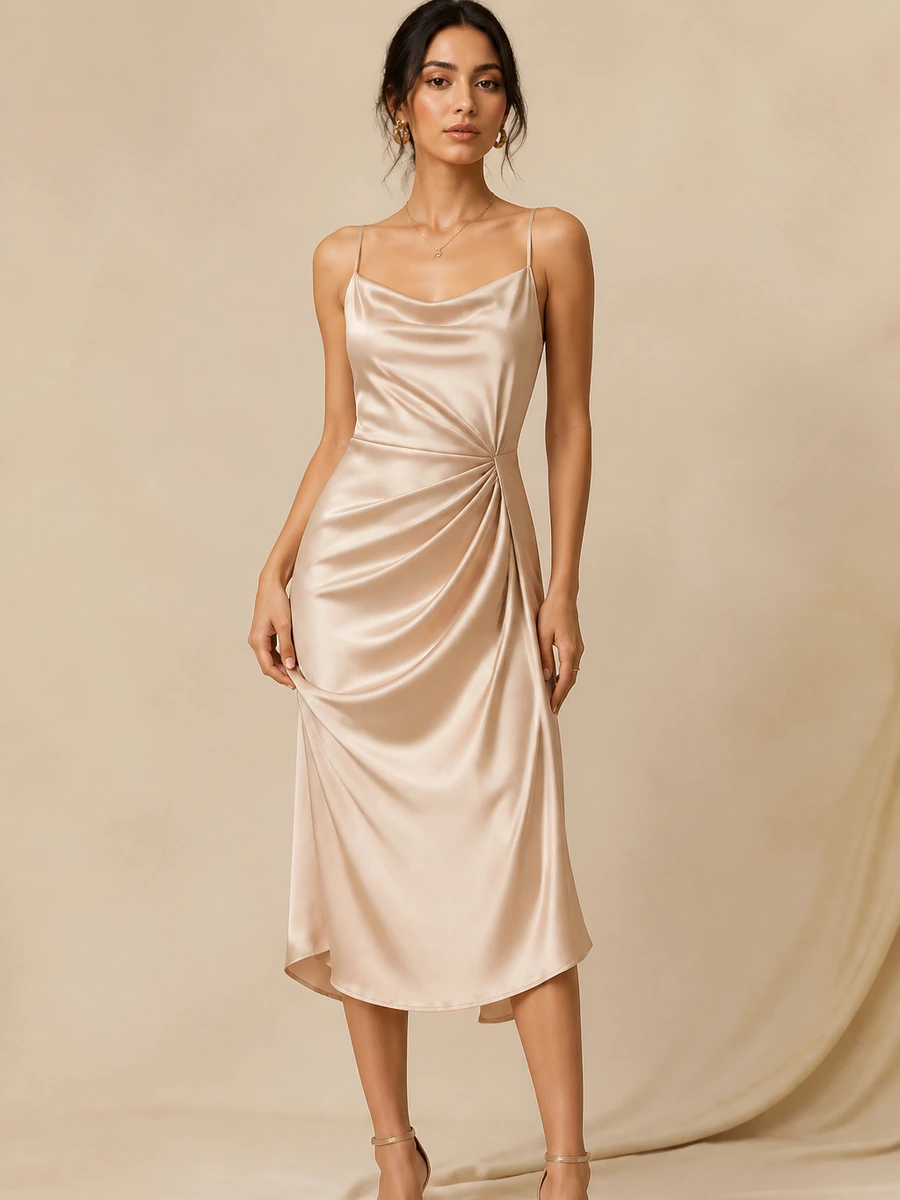
Build around this black satin midi dress.

WardrobeIt starts with the product the shopper already likes, then suggests complementary catalog items that match style, occasion, and budget.

Build a look around this dress for an evening dinner. Keep everything under $350.

I found a metallic clutch, black heels, and minimal silver earrings that create a refined evening look for $338.

  • Evening styling
  • Black and metallic palette
  • Balanced formality
  • Within total budget
  • Available variants
  • Merchant-approved catalog

From Product to Complete Look

Turn a selected product into a shoppable outfit.

WardrobeIt combines product truth, shopper context, merchant styling relationships, and cart actions inside one continuous journey.

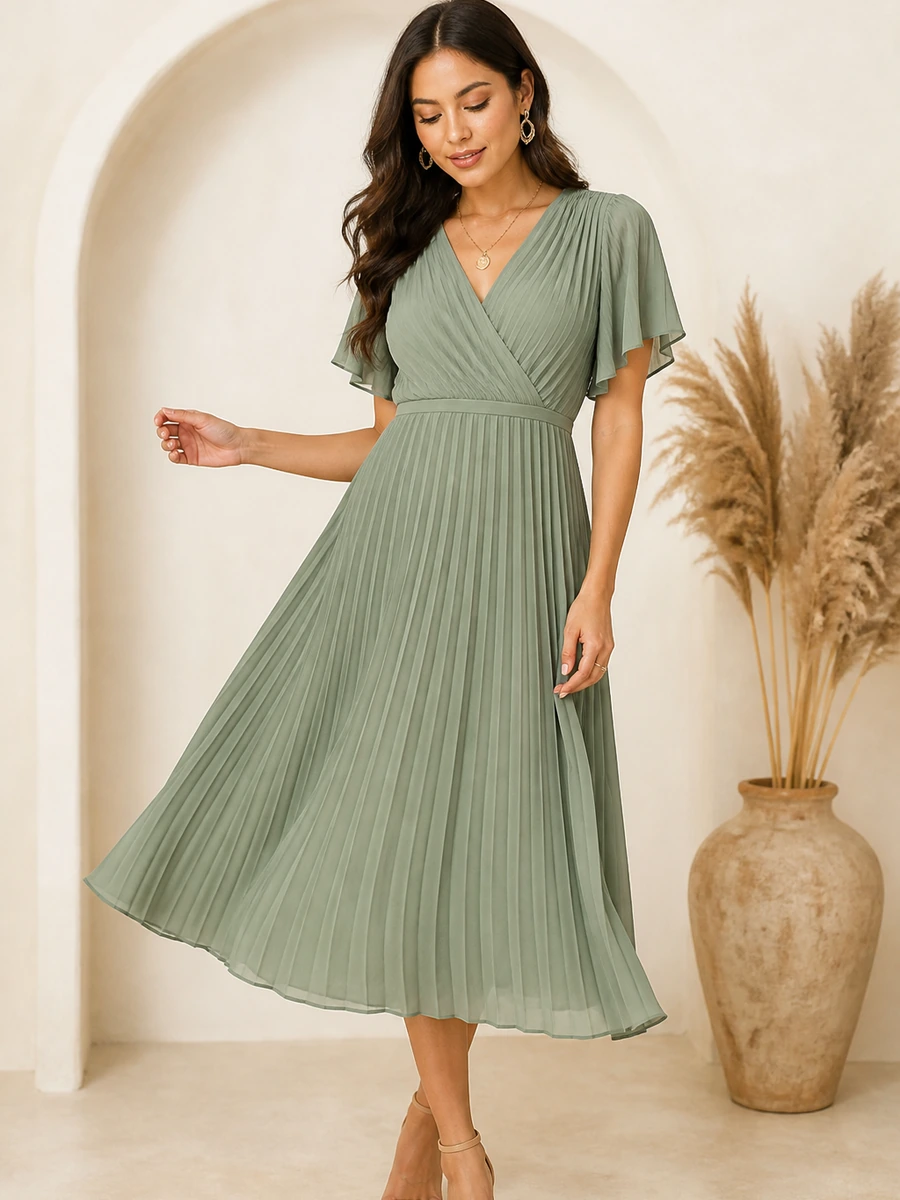
Sage Midi Dress

The shopper's selected hero product.

Step 1

Select the hero product

Start with the dress, top, footwear, bag, jewelry, or other item the shopper already likes.

Step 2

Understand its style

Use category, color, silhouette, material, occasion, formality, collection, and merchant-defined tags.

Step 3

Add shopper context

Consider occasion, preferred style, size, total budget, season, weather, and products to avoid.

Step 4

Match compatible products

Search approved products using category relationships, color coordination, availability, budget, and pairing rules.

Step 5

Assemble the look

Present images, prices, available options, match explanations, and item-level controls.

Step 6

Edit or add to cart

Replace items, select variants, add chosen products, add the full look, or continue toward checkout.

Styling Intelligence

Build every look around the complete shopping context.

The assistant does not assume visually similar products belong together. It considers the full occasion, shopper, product, budget, availability, and merchant context.

Color Coordination

Create a deliberate visual palette, not a random product bundle.

WardrobeIt can use product color information and merchant-defined relationships to find complementary options while keeping availability and shopper preferences in view.

Occasion

Wedding, work, travel, exercise, evening, everyday, or gifting each changes the styling direction.

Category Compatibility

Dress to shoes, bag, jewelry, outerwear. Blazer to top, trousers, footwear, and tote.

Style and Formality

Adapt the same hero product into minimal, relaxed, formal, modest, contemporary, romantic, statement, or premium directions.

  • Minimal
  • Relaxed
  • Semi-formal
  • Premium
  • Modest

Season and Weather

Use fabric weight, layering, footwear, sleeves, and product practicality where supported data is available.

Size Availability

Prioritize complementary products the shopper can actually select in the relevant variant.

Total Budget

Work with basket-level limits, item-level limits, price flexibility, and lower-priced alternatives.

Different Shopping Needs

Create a different complete look for every buying moment.

WardrobeIt changes its styling logic according to why the shopper is buying, how the products will be used, and which constraints shape the purchase.
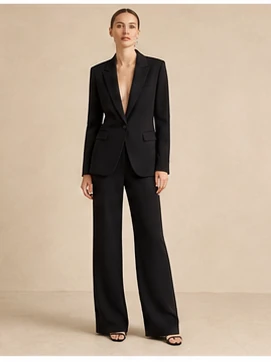
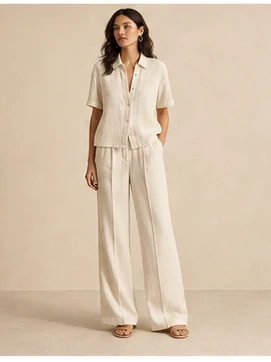
Workwear Looks

Polish, comfort, versatility, and workplace formality in one coordinated basket.

Everyday Outfits

Practical combinations built around comfort and repeat wear.

Event Styling

Dress code, venue, comfort, color, and formality aligned.

Seasonal Looks

Material, layering, color direction, and current inventory.

Gift-Ready Sets

Coherent combinations around recipient, occasion, style, and budget.

Prompt Ideas

Begin with the information the shopper already has.

Start with an occasion, selected product, budget, color direction, trip, recipient, or performance need.
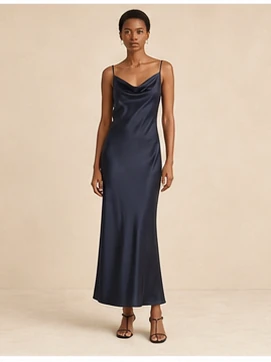
  • Build a spring wedding look under $280.
  • Make this blazer feel more relaxed.
  • Create a versatile travel wardrobe.
  • Find a gift-ready combination under $200.

Bridal & Formal

High-consideration combinations with accessories and event context.

Flexible Look-Building Controls

Refine the look without restarting the shopping journey.

A complete look is a starting point, not a fixed bundle. Shoppers can change individual products, swap variants, adjust the budget, or shift the styling direction while keeping the rest of the context intact.

Shopper Controls

Update the outfit through simple conversation.

The assistant preserves the selected hero product, shopper preferences, and merchant rules while making targeted changes.

Change the Styling Direction

Edit Individual Products

Budget

“Keep the dress and shoes, but show me another bag in black.” WardrobeIt updates one product while preserving the rest of the outfit.

Look editor · live catalog

Updated
Hero product

Sage Pleated Midi Dress

Medium · Sage · Relaxed fit · $148

Editable look items

  • Black Structured Bag

    Replacement option · $52
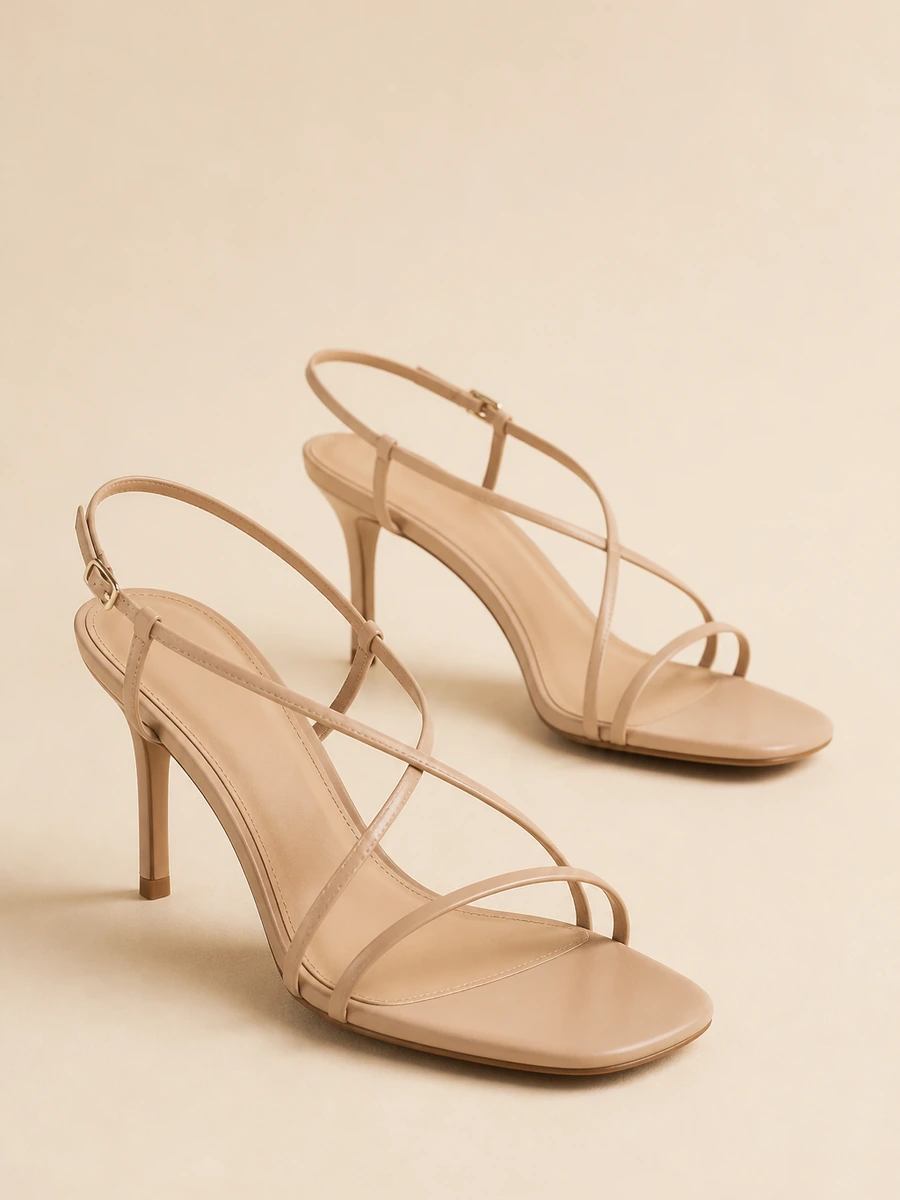
  • Neutral Heels

    Size 8 · $72

  • Minimal Earrings

    Optional · $24

Selected products 4
Budget limit $300
Updated total $296

Catalog-Only Styling

Build every look from products the merchant actually sells.

WardrobeIt should not fill missing outfit components with competitor products or invent a product, price, size, color, or variant that does not exist in the connected store data.

Merchant products only

Keep discovery and purchase actions inside the store.

Available variants considered

Do not present an unavailable option as purchase-ready.

Current pricing used

Do not invent sale prices or promotional conditions.
Safe fallback behavior

Adjust the look or explain when no reliable match exists.

Explore Catalog-Only Recommendations

From Styled Look to Larger Cart

Turn styling guidance into a direct purchase action.

Review the outfit, confirm relevant variants, swap optional items, compare individual and total pricing, then add selected items or the full look to cart.

Look-to-cart

Complete look ready for purchase

Catalog healthy Cart actions on

Look attach rate

34%

Example layout — not a claim

Avg look value

$292

4 catalog products

Full-look carts

1.8×

vs single-item path

Variant confirm

100%

Size color ready

Your Complete Look

Outdoor wedding · 4 products selected

  • Sage Pleated Midi DressHero · Medium · Sage
    $148
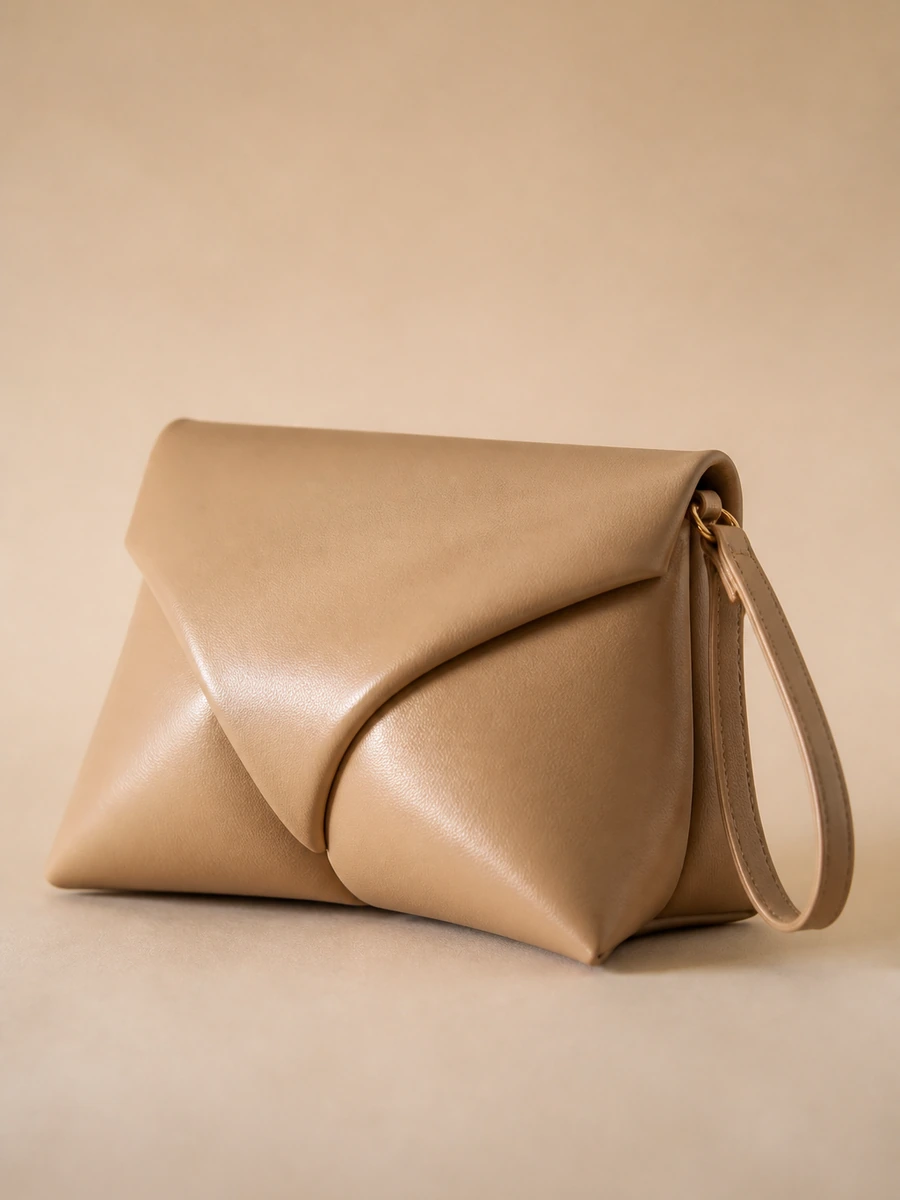
  • Champagne ClutchOne size · Neutral
    $48
  • Neutral Strappy HeelsSize 8 · In stock
    $72
  • Minimal Drop EarringsOptional · Gold
    $24

Merchant Styling Controls

Decide which products WardrobeIt combines, promotes, excludes, and prioritizes.

WardrobeIt supports the merchant’s merchandising strategy without replacing merchant authority over the catalog, brand, and commercial rules.

Styling control

AI Assistant Control Center

Catalog healthy Rules active Save Changes

Pairing maps

56

+8 look relationships

Approved looks

18

Seasonal campaign sets

Exclusions

24

On blocked variants

Coverage

92%

Catalog scoped

Assistant identity

Brand tone stays catalog-first

Active pairing rules

Category relationships merchants approve

  • Dress → shoes, bag, jewelryOn
  • Blazer → trousers, loafersOn
  • Restricted formal pairingsWatch
  • Campaign look foundationsOn
+
Approved pairing Midi dress + sculpted bag · Complete the look
Active
  • Product Pairing Rules

    Define category relationships such as dress to shoes, bag, jewelry, and outerwear.

  • Approved Looks

    Use curated campaign outfits, seasonal combinations, bundles, and stylist-created foundations.

  • Exclusions and Priorities

    Exclude unsuitable products and give relevant new arrivals or strategic items additional consideration.

  • Brand Styling Guidelines

    Configure styling language, color relationships, formality rules, restricted pairings, and campaign direction.

Complete-Look Outcomes

Connect outfit recommendations with measurable ecommerce actions.

Measure complete-look engagement using verified store data, clear event definitions, and transparent attribution rules. Never rely on unsupported performance claims.

  • Basket Value

    Higher Assisted Order Value

    Help shoppers discover useful complementary products around the item they already want.

    Complete-look cart value Products per cart Assisted order value
  • Basket Depth

    More Multi-Product Purchases

    Turn one-product interest into coordinated basket opportunities.

    Full-look additions Selected-item additions Products per order
  • Discovery

    More Product Exposure

    Introduce shoppers to relevant products they may not find through normal browsing.

    Complementary clicks Product-page visits Collection engagement
  • Relevance

    Better Cross-Sell Quality

    Measure whether shoppers engage with products recommended for a clear styling reason.

    Cross-sell click rate Replacement activity Pairing-rule performance
  • Confidence

    Clearer Styling Decisions

    Give shoppers a stronger understanding of how products work together.

    Look refinements Product comparison Cart progression
  • Inventory

    Greater Relevant Exposure

    Help suitable products receive visibility inside coordinated shopping journeys.

    Category exposure New-arrival engagement Variant selection

Product Walkthrough

See WardrobeIt build a complete basket from your catalog.

The strongest demonstration uses the merchant’s real products, collections, product relationships, styling rules, and inventory conditions.

See Complete the Look on Your Catalog
  1. Connect catalog information Products, variants, pricing, inventory, images, attributes, and merchant tags.
  2. Configure styling relationships Pairings, category rules, exclusions, priorities, and brand guidance.
  3. Select a hero product Begin with a real product from the merchant’s catalog.
  4. Test shopper contexts Occasion, style, budget, size, formality, season, and availability.
  5. Review the complete look Confirm product truth, compatibility, variants, pricing, and reasons.
  6. Validate the cart journey Item replacement, variant selection, full-look addition, and checkout continuation.
What are complete-look recommendations?

Coordinated product suggestions built around a selected item, occasion, style, color, budget, and shopper preference using approved merchant products.

How does Complete the Look AI work?

WardrobeIt understands the selected product, captures shopper context, searches compatible merchant products, checks applicable variants and pricing, assembles the look, and lets the shopper edit or add it to cart.

Can complete-look recommendations increase average order value?

They can create relevant multi-product purchase opportunities. Actual impact depends on assortment, recommendation quality, shopper behavior, traffic, implementation, pricing, and measurement methodology.

Does WardrobeIt use products from other stores?

No. WardrobeIt is designed to build complete looks using approved products from the merchant’s own catalog.

Can shoppers change products inside the recommended look?

Yes. Shoppers can replace products, adjust the budget, change colors, make the outfit more casual or formal, remove optional items, and request alternatives.

Can shoppers add the full look to cart?

Yes, where the merchant’s supported cart integration and product configuration allow it. The shopper can confirm variants and add selected products or the complete look.

Can merchants control product pairings?

Yes. Merchants can define approved combinations, product relationships, category matching, exclusions, collection priorities, styling rules, and other supported controls.

Is Complete the Look safe and accurate?

WardrobeIt uses catalog boundaries, merchant-approved data, recommendation rules, applicable availability information, controlled actions, and fallback behavior.

Turn One Product Into a Complete Purchase

Build complete looks from the products already in your store.

Show shoppers how products work together, let them refine the recommendation, and make it easy to add selected items or the full look to cart.

  • Build around a selected productOccasion, style, color, budget, and product context.
  • Recommend approved catalog productsRelevant, available, and merchant-controlled.
  • Let shoppers refine the lookReplace, remove, recolor, or lower the budget.
  • Add selected items or the full lookOne guided route from styling to cart.