Product Updates
Capability note: Complete the Look
In-catalog outfit pairing as a first-party merchandising surface.
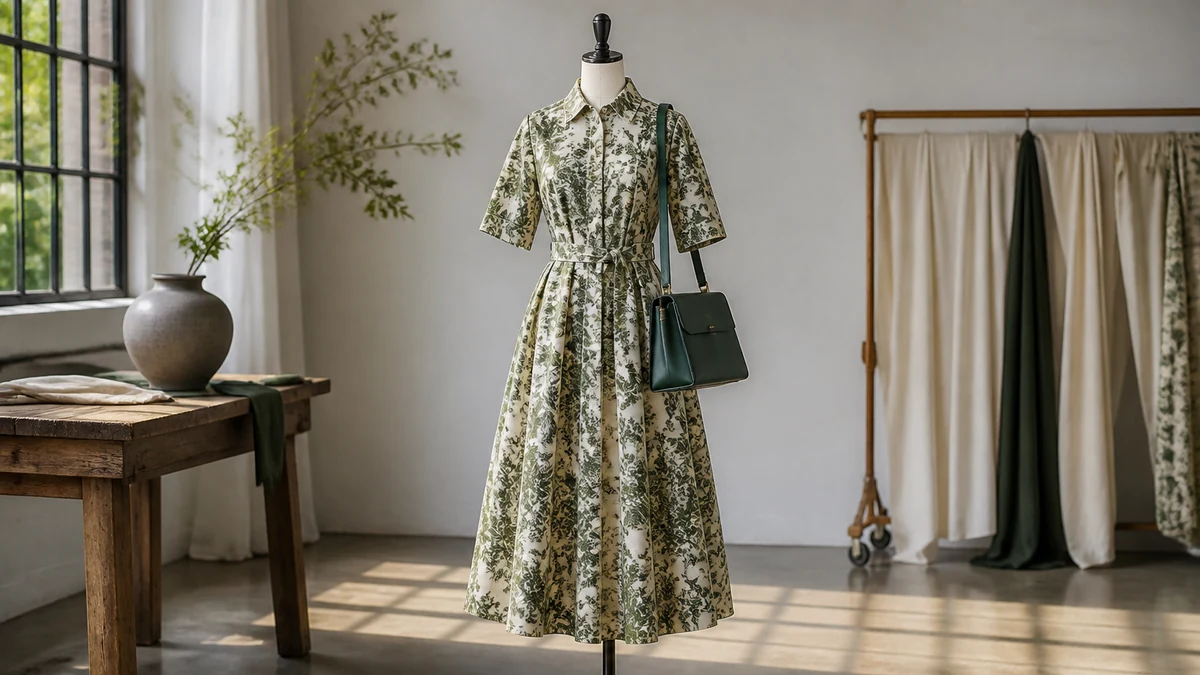
Complete the Look is part of the V1 feature set described on the marketing site. Pairings stay inside approved products. No attach-rate metric is published here.
This archive note is a capability pointer, not a dated release. Talk about it internally as in-catalog outfit pairing. Do not call it a guarantee that basket size will rise. Do not pair items you do not stock.
What the capability is for
Fashion shoppers often evaluate a garment as part of an outfit. Complete the Look is the product surface for suggesting complementary SKUs from the same connected catalog—earrings you sell, not hoops borrowed for a campaign still. Canonical page: Complete the Look.
What merchandising must supply
- Accessory and complementary types that exist as products.
- Collections or rules that define allowed pairing sets.
- Inventory respect so sold-out complements drop out.
- Images that match the variant being paired, not a leftover colorway.
Rules are configured in the merchant portal. See Merchant Portal Guide and the operator guide on recommendation rules in Guides. Catalog-only remains the parent constraint: Catalog-Only Recommendations.
How to talk about it internally
Call it in-catalog outfit pairing. Do not call it a stylist who can complete any photo. Do not enable it as a merchandising afterthought once ads already say “shop the look.” Align creative, catalog, and rules before the campaign, the same way you would align a lookbook to buying.
Industry pattern
Jewelry and accessories are the usual first failure: props in photography. Footwear can fail the same way when a shoe in a dress campaign is not a SKU. See unnamed pattern notes in Customer Stories and industry pages Jewelry and Footwear.
Verification steps
- Write the intended complementary set for one PDP on paper (SKUs).
- Ask the assistant to complete the look.
- Reject any item that is not a live SKU or is out of stock if your rule requires in-stock.
- Ask for a lookbook prop you do not sell and confirm it is not invented.
- After a drop, repeat; pairing is seasonal infrastructure.
Offers and pairing
Do not improvise a discount to make a complement more attractive. If you use governed offer logic, finance owns eligibility. See Margin-Aware Offers. Silence about discounts is valid.
When not to enable pairing yet
If accessories exist only in photography, leave pairing off. If gift cards sit in the same collection you would use for looks, clean the collection first. If inventory is not tracked on the accessories you sell, pairing will recommend ghosts. Catalog preparation in Guides is the prerequisite, not a nice-to-have.
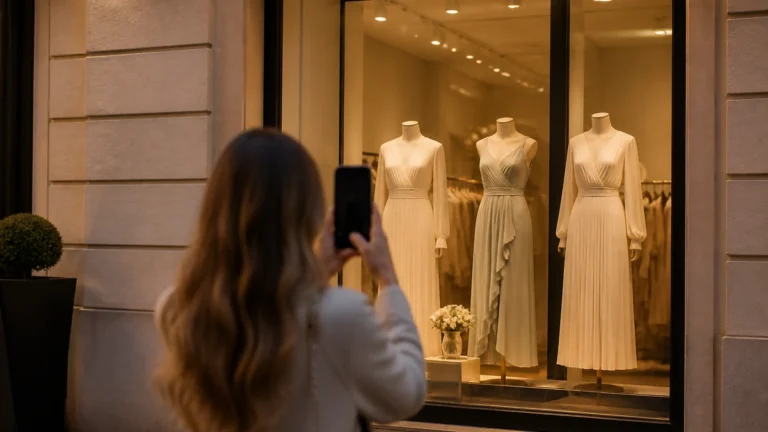
Bridal and occasion assortments often include appointment-only pieces. Those should not appear as add-to-look SKUs unless they are actually sellable online. Activewear pairing should not invent a water bottle or shoe from a campaign still. The constraint is the same in every category: SKUs only.
A merchandising workshop
Sit buying and ecommerce with five hero PDPs. For each, write allowed complementary types and one forbidden item (a prop, a gift card, a retired SKU). Configure the portal to match the paper. Then ask the assistant the same complete-the-look question twice: once with everything in stock, and once after you identify a complement that is sold out. The second answer should change if your in-stock rule is real.
Capture misses as rule, collection, image, or inventory—not as a request for a more creative model. Creativity that leaves the catalog is out of scope for WardrobeIt.
Failure modes
- Ads that say “shop the look” when two of three items are props.
- Pairing across wildly different price stories without a merchandising decision.
- Using pairing as a substitute for missing size truth on the hero SKU.
- Discount improvisation to force an add-on.
Related reading
AI Shopping Assistant, Fashion, Getting Started, and Product Updates for sibling notes. Theme placement still matters: pairing is useless if the widget is not on the PDP—Install the Storefront Widget. Cart-adjacent questions about complements are still catalog work; see Reduce Cart Abandonment without a recovery-rate invention.
Enablement criteria
Accessories you intend to pair exist as products. Collections used for pairing do not contain gift cards or retired SKUs. Inventory is tracked on those variants. Images match the color being paired. Creative that says “shop the look” only uses SKUs. If any criterion fails, keep pairing off. Canonical page: Complete the Look.
Parent constraint remains catalog-only. Catalog-Only Recommendations. Rules live in Merchant Portal Guide.
After a drop
- Rebuild pairing collections.
- Re-test five hero PDPs.
- Confirm sold-out complements disappeared.
- Confirm props from new photography were not treated as products.
No attach-rate is published here. Observational reporting only: Usage and Outcome Analytics. Widget must be on the PDP: Install the Storefront Widget.
Creative, catalog, and rules as one packet
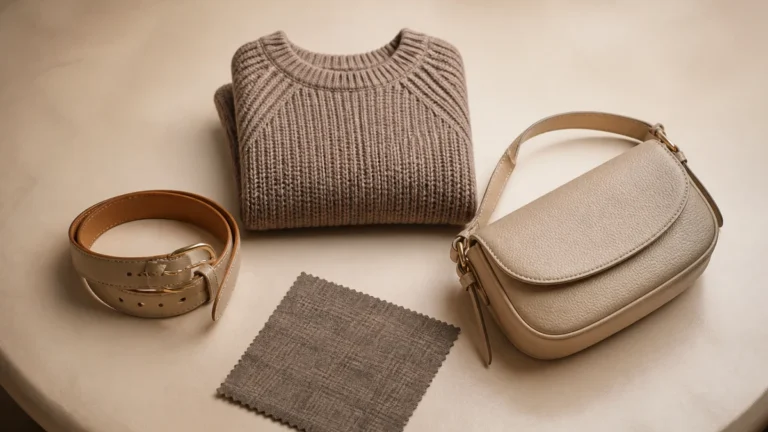
A lookbook, a SKU list, and a portal rule should be reviewed together. If the lookbook includes a belt that is not on the SKU list, either buy the belt into the catalog or strike it from the shop-the-look promise. Conversation should never be asked to paper the difference. Complete the Look.
Jewelry and footwear pattern notes in Customer Stories are unnamed. They are not attach-rate studies.
Enable pairing when complements are products you stock, inventory is tracked, and creative does not promise props. Retest after every drop. No attach-rate is published here. In-catalog outfit pairing is the honest internal name. Complete the Look.