Product Updates
Capability note: AI Shopping Assistant on the storefront
Public note for a capability already described on the product site. Not a speculative launch rumor.
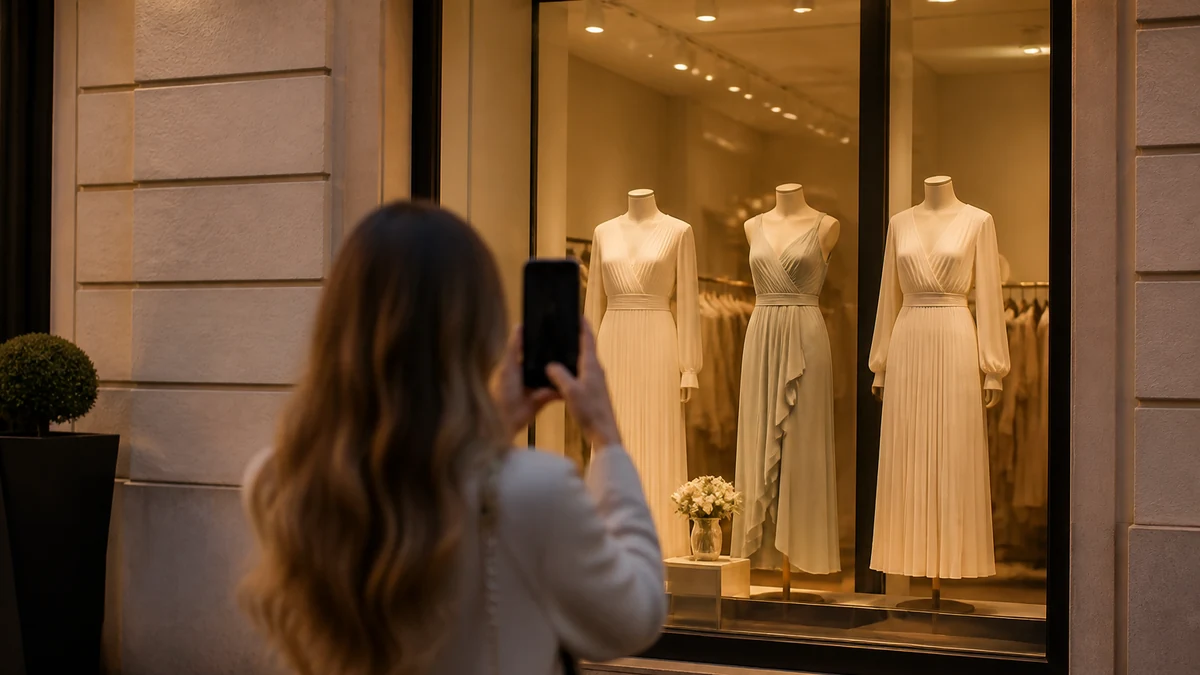
This archive entry documents a capability already present in WardrobeIt’s public product pages: an AI Shopping Assistant that runs in the merchant storefront and stays on the connected catalog. It is not a dated engineering changelog from an internal sprint, and it does not list unpublished roadmap items.
Operators should evaluate the assistant as a guided-commerce layer: discovery, product questions, and catalog-backed next steps. They should not evaluate it as a generic chatbot personality or as a guarantee of conversion.
What merchants can evaluate today
- Conversational discovery against the connected catalog.
- Product questions answered from catalog and approved knowledge.
- Storefront placement via documented theme embed.
- Merchandising controls in the merchant portal, not an unreviewed prompt.
Canonical product page: AI Shopping Assistant. How the pieces connect: How it works. Help: Getting Started. Availability language on this site remains as documented on product and pricing pages; this note does not add a new SKU, version number, or ship date.
What “on the storefront” requires
A capability that exists in product copy is not the same as a launcher shoppers can reach. Connection, embed, and templates are operator work. Use Connect a Shopify Store, Install the Storefront Widget, and Shopify Theme Embed. Fashion PDP and collection templates are the usual decision surfaces; homepage-only placement is not a complete evaluation.
Catalog boundary
Recommendations and explanations should stay inside merchant-approved inventory. See Catalog-Only Recommendations. If a demo appears to complete a look with items you do not sell, you are not looking at this capability as documented.
How to talk about it internally
Call it a catalog-grounded shopping assistant on the storefront. Do not call it a stylist that knows the shopper’s body. Do not call it a support bot that tracks orders unless that access is actually documented—which this note does not add. Store-help answers come from approved knowledge; see Store Help and Product Q&A.
Verification steps
- Open a live or staging PDP on the published theme.
- Ask a question that requires a catalog attribute (size, color, type).
- Confirm the answer points at an in-stock variant you can verify in Shopify.
- Ask a policy question and compare to the live page.
- Confirm the assistant does not invent a complementary SKU from a lookbook prop.
Measurement posture
Usage and outcomes, if you review them, stay observational. Assisted revenue is not causal lift. See Usage and Outcome Analytics and Track Assistant Outcomes. This capability note does not include a conversion percentage.
Related capabilities
Pairing: Complete the Look. Visualization: Virtual Try-On for eligible products only. Operator controls: Merchant Portal. Industry context: Fashion.
What this capability is not
It is not a generic website chatbot whose primary job is ticket deflection. It is not an open-web stylist. It is not a fit oracle. It is not a post-purchase order tracker unless that access is documented on a public product page—which this note does not add. If your team needs policy answers, those come from approved knowledge, not from improvisation.
It is also not a replacement for collections, filters, or PDPs. Shoppers should still be able to verify every recommendation on a product page. Conversation is a route into the assortment, not a second store with different inventory.
A practical storefront walkthrough
Use a staging theme that matches production apps. Open a collection grid, then a PDP with a full size curve. Ask for a color that exists and a color that does not. Ask what pairs with the garment only after you know which accessories are SKUs. Ask a shipping question that you can check against the live policy page.
Write down misses as catalog, knowledge, embed, or rule—not as “the model.” That classification is how this capability stays operable after the first week. If the launcher never appears, stop the product evaluation and finish Install the Storefront Widget. If answers cite products you cannot open, stop and inspect sync.
Failure modes
- Evaluating only on a homepage overlay while PDPs have no launcher.
- Briefing an agency that the assistant will raise conversion by a number this note does not contain.
- Allowing lookbook captions to stand in for variants.
- Mixing demo-catalog memories with the live Shopify assortment.
- Describing unpublished roadmap items as if they had shipped.
Related reading
Discovery design: Conversational Product Discovery. Pairing: Complete the Look. Visualization for eligible products: Virtual Try-On. Operator controls: Merchant Portal. Industry context: Fashion.
If you need a product conversation, Book a Demo. Plan language lives on Pricing and Plans, Usage and Billing—this note copies neither. Sibling notes live on the Product Updates hub.
Evaluate the job, not the chrome
A useful evaluation is whether shoppers can move from intent to an in-catalog product they can verify on a PDP. Personality, animation, and voice are secondary. Catalog-only, knowledge, embed, and rules are the job. AI Shopping Assistant, How it works.
Homepage-only launchers are not an evaluation of fashion decision support. Test collection and PDP templates, desktop and mobile. Install the Storefront Widget.
What not to put in a launch email
- A conversion percentage.
- A fit guarantee.
- An unpublished roadmap item.
- A copied plan price.
- A named merchant quote you do not have.
Measurement: Usage and Outcome Analytics. Demo: Book a Demo. Pricing: Pricing.