
AI in Ecommerce: Use Cases, Examples and Benefits
Explore practical AI use cases for ecommerce, the information each one needs, and how to evaluate a first rollout.

An ecommerce team can find an AI tool for almost every task, yet choosing where to begin is harder than finding a demonstration. Your store may need better product discovery, clearer answers, more useful recommendations, or a way to understand why shoppers hesitate. Each problem calls for different information and a different way to evaluate success.
AI in ecommerce means using artificial intelligence to support shopping and retail tasks, from interpreting a product request to reviewing patterns in customer activity. Useful applications connect a defined problem with reliable data, clear merchant controls, and a workflow the team can test. The right starting point depends on your store's needs.
This guide examines practical use cases and a process for choosing your first one.
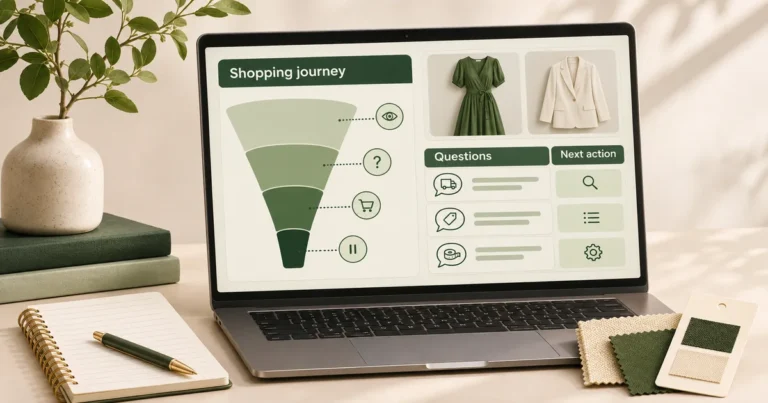
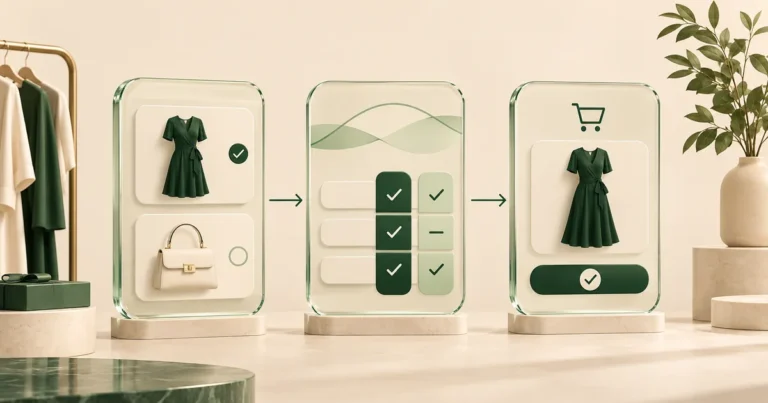
See how WardrobeIt guides shoppers from question to cart. See How It Works
What AI in ecommerce means
AI in ecommerce applies models to tasks such as interpreting shopper requests, ranking products, generating content, and analyzing patterns. The model is one part of a larger workflow. Your catalog, business rules, user interface, and operating team determine whether its output is useful in the store.
Different tasks require different kinds of systems. A recommendation model ranks products. A language model can interpret an open-ended question or draft an answer. A visualization model can generate a product preview. A forecasting model estimates future demand from suitable historical data.
The role of AI in ecommerce is therefore easier to assess at the task level. Ask what input the system receives, which source it trusts, what output it produces, and what happens when it is uncertain. Then identify the customer or employee who benefits from that output.
For a fashion store, shoppers may describe a need using an occasion, a preference, and a concern. They may ask for a comfortable outfit for travel, then ask whether the fabric creases. Serving that request requires useful product attributes as well as language understanding.
Shopify’s overview of AI in ecommerce covers applications across the business. This guide focuses on the customer journey and the merchant work that supports it. Catalog quality and evaluation remain relevant whichever tool you choose.
Start with the shopping problem. A tool that handles a task well in a demonstration still needs testing against your products, questions, policies, and supported actions before your team relies on it.
Product discovery and search
AI can help turn the way a shopper describes a need into relevant catalog candidates. Instead of requiring the customer to know the right collection or exact product term, a discovery system can interpret context and retrieve items for comparison. The results still need grounding in merchant data.
Example. A shopper asks for an outfit for a warm outdoor ceremony. The useful attributes might include material, coverage, formality, and a suitable size range. Search should make those requirements easier to explore and ask a question when a missing detail changes the choice.
For merchants, the practical challenge is product information. Consistent attributes help a system distinguish lightweight from heavy fabric, explain a silhouette, or identify an appropriate collection. Photograph quality also matters when the shopper needs to confirm what a result looks like.
Test discovery with requests your customers actually make. Include misspellings, broad preferences, a request outside your catalog, and conflicting requirements. Review the shortlist and the explanation together. A plausible explanation attached to the wrong product is still a poor result.
Review empty results as carefully as successful ones. A shopper should receive an honest response when the catalog cannot meet the request. Approved alternatives can help, provided the differences are clear.
The existing guide to conversational product discovery explores how natural-language needs connect to fashion catalogs. It is a useful starting point when your store receives traffic but shoppers struggle to find the products already available.
Recommendations and personalization
Recommendations help shoppers evaluate relevant options, while personalization adjusts the experience using appropriate context. That context can come from the current request, selected products, or other permitted information. A useful application of AI in ecommerce should make the decision easier to understand.
Begin with the current shopping session. Occasion, style preference, budget, and the product being considered can provide enough context to suggest an alternative or a complementary item. Your system should explain the relationship in terms the shopper can assess.
For complete-look recommendations, define what makes items work together. Merchandising rules might consider occasion, color, material, or a collection relationship. Availability and valid product variants remain necessary checks before a suggestion becomes a cart action.
| Task | Shopper need | What to review |
|---|---|---|
| Alternative | Compare another option for the same need. | Differences in material, style, price, and availability. |
| Complement | Find something that works with a chosen item. | A clear merchandising relationship and suitable variants. |
| Personalized shortlist | Narrow choices using stated preferences. | Whether the selection reflects the context the shopper provided. |
Example. A shopper chooses a dress and asks about shoes for a garden event. The assistant can explore relevant options from the store’s catalog and explain the choices using the available product information.
Review recommendation quality before optimizing how many extra products appear. Our guide to complete-the-look recommendations discusses product relationships and the importance of helping the shopper build a useful cart.
Shopping assistants and product Q&A
A shopping assistant combines guidance with answers that help a shopper make a product decision. It should interpret follow-up questions in context, consult approved knowledge, and recognize when a human needs to help. Accuracy matters at the point where an answer influences a purchase.
Start with questions your team can answer reliably. Material, lining, care, measurement guidance, and published return conditions are common examples. Assign an owner to the underlying information and provide a way to correct an answer when its source changes.
Keep product facts separate from preferences. A shopper may want a soft fabric or a relaxed silhouette. The assistant can explain the available attributes and help compare options, while avoiding an unsupported promise about personal comfort or fit.
Amazon’s official announcement of its shopping assistant describes product questions, comparisons, and recommendations. The page notes that Rufus was renamed Alexa for Shopping in May 2026. This illustrates how conversation can sit inside an existing retail journey.
Your store’s evaluation should focus on its own boundaries. Ask the assistant about an unsupported policy exception, an unavailable size, and a question missing from approved knowledge. Check whether it qualifies the answer or offers an appropriate handoff.
Use the AI shopping assistant guide to distinguish discovery, product guidance, and cart actions when preparing your requirements. Those capabilities should be assessed individually as well as together.
Virtual try-on
Virtual try-on provides a visual preview of an eligible product in a shopper-relevant context. It can support exploration when a photograph on a standard product page leaves a visualization question unanswered. It still needs clear expectations about what the generated image can establish.
For fashion, an attractive preview should sit alongside measurements, material details, product photographs, and a readable size guide. A generated image alone cannot confirm physical fit, fabric feel, or an exact color match across screens.
Google’s virtual try-on walkthrough describes using a shopper’s photo to visualize garments. It also gives photo guidance, including lighting and framing. A merchant evaluating a similar use case should check both input quality and the resulting preview.
Choose eligible products deliberately. Inspect garment shapes, image backgrounds, occlusion, and the way details such as sleeves or hems appear. Define an understandable failure state when the system cannot produce a useful result.
Privacy belongs in the product flow. Explain what the photo is used for, where the relevant privacy information lives, and which deletion or retention processes apply. Confirm those statements with the actual provider configuration.
Measure whether shoppers use the feature and what they do afterward. Participation and try-on-to-cart activity can help you review the experience, while a return-rate or conversion claim needs suitable evidence. The virtual try-on launch guide provides a more detailed rollout checklist.
Analytics and merchandising insights
AI-assisted shopping interactions can reveal questions and catalog gaps that ordinary page metrics leave unexplained. A merchant can review what shoppers requested, which products they considered, and where they stopped. Those observations become useful when the events and their limits are clearly defined.
A product with repeated material questions may need better copy. Requests for an unavailable variant may justify a closer catalog review. Frequent comparisons between particular products can suggest that their differences deserve a clearer explanation on the page.
Read a sample of the underlying interactions before acting. A question may reflect confusion, preference, or a temporary campaign audience. Treat the pattern as a reason to investigate and combine it with inventory, sales, and support information.
Define assisted outcomes carefully. An order associated with earlier assistant participation does not establish that the assistant caused the purchase. Document the attribution window, identity rules, exclusions, and how orders are reconciled with the commerce platform.
A useful review separates observation from a causal test. You can report recommendation engagement or chat-to-cart progression as defined activity. Estimating additional revenue requires a comparison that addresses other changes in traffic, promotions, and the shopping experience.
Our assisted revenue guide explains this distinction. Before launching a dashboard, agree which questions the team will use it to answer and who will investigate unexpected changes. The role of reporting is to support a decision your team can explain.
Benefits and risks of AI in ecommerce
The benefits of AI in ecommerce depend on matching a useful task with reliable data and a controlled workflow. Less searching, clearer product answers, and more consistent guidance are reasonable goals to evaluate. Their business effect needs measurement in your store.
| Intended benefit | Risk to examine | Practical check |
|---|---|---|
| Easier product discovery | A convincing but unsuitable shortlist. | Review real requests against product attributes and availability. |
| Faster product answers | An answer extends beyond approved knowledge. | Test missing information, exceptions, and human handoff. |
| Useful visualization | The preview creates inaccurate expectations. | Review eligible products and display clear limitations. |
| Better merchant learning | Activity is mistaken for incremental revenue. | Document events and attribution, then plan a suitable comparison. |
Operational cost also belongs in the decision. Allow time for maintaining knowledge, reviewing difficult conversations, testing catalog changes, and supporting the integration. Assign those tasks before judging the price of the software.
Check the experience on mobile and with assistive technology. Product controls, file inputs, loading states, and cart handoffs should remain understandable throughout the journey. An impressive demonstration is only part of that assessment.
Privacy and access need clear ownership as well. Limit the information collected to what the task needs, understand the provider’s processes, and make customer-facing explanations match the implementation. Bring unresolved questions to the appropriate owner before widening the rollout.
How to start using AI in your store
Choose one repeated shopper problem, define success, and test the complete workflow on a limited scope. This gives the team a clear way to judge the first application and decide what should improve before expansion.
- Choose a concrete problem. Use search queries, support questions, and merchandising observations. For example, focus on finding occasionwear or answering approved material questions.
- Record the baseline. Define the activity or outcome you want to review, how it is calculated, and the period of observation. Preserve the underlying data definitions.
- Prepare representative products. Check imagery, variants, prices, availability, and the knowledge the experience will use. Include products with awkward edge cases.
- Write acceptance requests. Cover normal shopping needs, missing information, contradictory preferences, unavailable variants, and handoff. State what a useful response should contain.
- Verify every supported action. Follow the selected variant into the cart and native checkout. Inspect loading, error, retry, and mobile states.
- Review and expand deliberately. Assign owners for observed failures. Recheck the acceptance requests after changes, then widen the eligible products or use cases when the evidence supports it.
The industries overview can help you frame product-specific questions. Footwear guidance, jewelry pairing, and apparel visualization involve different decisions. Choose the experience around those decisions rather than assuming every category needs the same interface.
For a broader view of delegated shopping tasks, read what agentic commerce means for ecommerce brands. Keep a record of which tasks your store supports today and which require additional integration work.
How WardrobeIt brings several AI use cases into one platform
WardrobeIt connects discovery, product guidance, eligible visualization, and merchant learning around your store’s catalog. Its product overview explains the shopping journey, while the solutions overview connects those capabilities to the problems a merchant wants to address.
The WardrobeIt AI Shopping Assistant helps a shopper describe a need, compare relevant products, and ask buying questions. Your merchant-approved information gives the guidance a source your team can inspect and maintain.
WardrobeIt Conversational Product Discovery interprets requests involving occasion, budget, size, and style. The recommendations stay within the merchant’s connected catalog and applicable rules. Test the shortlists against your real product attributes during setup.
WardrobeIt Virtual Try-On adds a preview for eligible products. Include product imagery, measurement guidance, and privacy information in the experience so the shopper can understand what the visualization contributes to the decision.
WardrobeIt Usage and Outcome Analytics helps the merchant review assistant participation and supported shopping activity. Agree the measurement definitions and attribution rules before interpreting assisted outcomes.
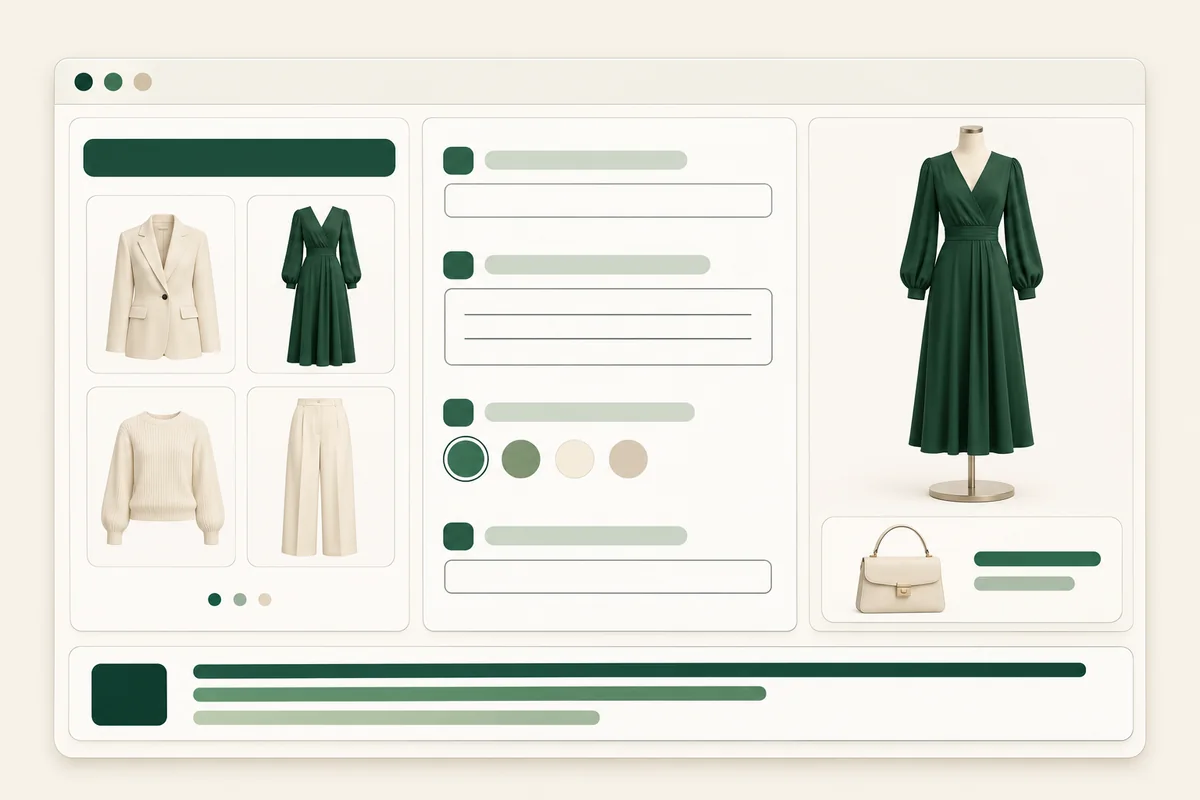
These use cases share a practical foundation. Prepare the catalog, keep knowledge current, test supported actions, and review the questions shoppers actually ask. Start with the capability that addresses your clearest problem, then use the first rollout to inform the next one.
AI in ecommerce FAQs
What is AI in ecommerce?
AI in ecommerce uses artificial intelligence to support tasks such as product search, recommendations, shopping guidance, visualization, and analysis. Different models serve different purposes. A useful implementation connects the chosen task to reliable information, clear permissions, and a customer or merchant workflow that can be evaluated.
How can I use AI in my ecommerce store?
Begin with one repeated customer problem, such as finding suitable products or answering approved product questions. Prepare the relevant catalog and knowledge, choose a supported workflow, and write realistic acceptance tests. Launch with a limited scope, review errors and outcomes, and expand after the team understands the results.
What are the benefits of AI in ecommerce?
Potential benefits include easier product discovery, more consistent guidance, relevant recommendations, useful visualization, and clearer shopper insights. Results depend on data quality and implementation. Define the outcome you want to improve, measure the associated activity, and use an appropriate comparison before attributing additional revenue to the AI.
What is the role of AI in ecommerce?
AI can help interpret inputs, rank options, generate responses, or identify patterns within a retail workflow. Commerce systems and merchant rules still supply important product facts and action boundaries. The role of each model should be explicit so customers and staff understand its capabilities and limitations.
What are some AI in ecommerce examples?
Examples include natural-language product discovery, complementary product recommendations, assistants that answer product questions, eligible virtual try-on, and analysis of shopping interactions. Merchants also use AI for internal tasks such as content drafting. Evaluate each example against your catalog, approved information, customer needs, and supported business processes.
Start with a useful, measurable task
AI in ecommerce can support several parts of a shopping journey, from interpreting a request to explaining products and reviewing assisted activity. Choose the first task based on a shopper problem your team can observe. Prepare its information, check its boundaries, and test the experience from question to cart. Use that evidence to improve the rollout and decide where another use case would add value. A focused demonstration is a useful next step when you want to assess the workflow against your store.