Product Updates
Capability note: Catalog-only recommendations
Recommendations resolve to merchant-approved inventory. Competitor substitution is out of scope.
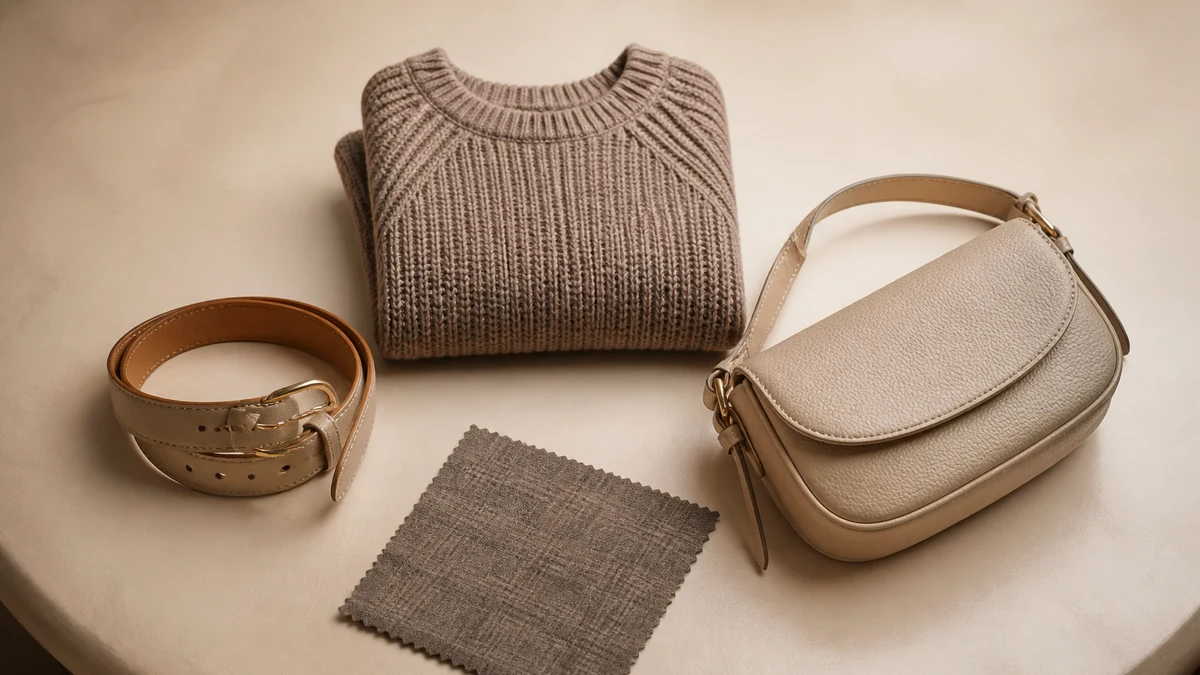
Public capability: catalog-only recommendations. The assistant does not complete a shopper request by inventing products from another store. This note exists so the product-updates archive can point at a stable URL instead of an empty dashed card.
It is not a sprint changelog, not a list of model versions, and not a promise that recommendations will feel “more creative” over time. Creativity that leaves the assortment is out of scope.
Operator implication
If a recommendation looks wrong, inspect merchandising rules and catalog data before inspecting “the AI.” Wrong SKUs are usually a data or rule problem: mixed collections, missing inventory tracking, lookbook props treated as products, or unpublished items still in a connected feed. Canonical page: Catalog-Only Recommendations.
What catalog-only excludes
- Open-web or competitor substitution.
- Accessories that appear only in photography.
- Sizes and colors that are not variants.
- Restock dates that operations has not published in knowledge.
What it includes: retrieval and pairing against the connected Shopify catalog, subject to portal rules and availability. Sync quality matters; see Shopify Catalog Sync and Connect a Shopify Store.
How this relates to complete-the-look
Outfit pairing is a specialized recommendation surface. It is still catalog-only. If pairing is enabled before accessories exist as SKUs, the capability will look broken. Read Complete the Look and configure rules in Merchant Portal Guide.
Verification steps
- Ask for a product that you do not sell; confirm the assistant does not invent it.
- Ask for a complementary item that is a prop in a photo; confirm it is omitted or replaced by a SKU.
- Ask for an in-stock color; confirm the variant matches Shopify.
- Change a collection used for pairing in staging and confirm recommendations follow merchandising, not the old lookbook.
Failure modes
- Evaluating the capability on a demo catalog that is not your assortment.
- Gift cards inside apparel collections.
- Agency language that catalog-only “reduces returns” or “raises conversion” by a number this note does not contain.
Where to read more
Discovery: Conversational Product Discovery. Storefront assistant: AI Shopping Assistant. Glossary: Ecommerce AI Glossary for approved catalog language. Launch: Getting Started.
Why fashion teams feel this constraint immediately
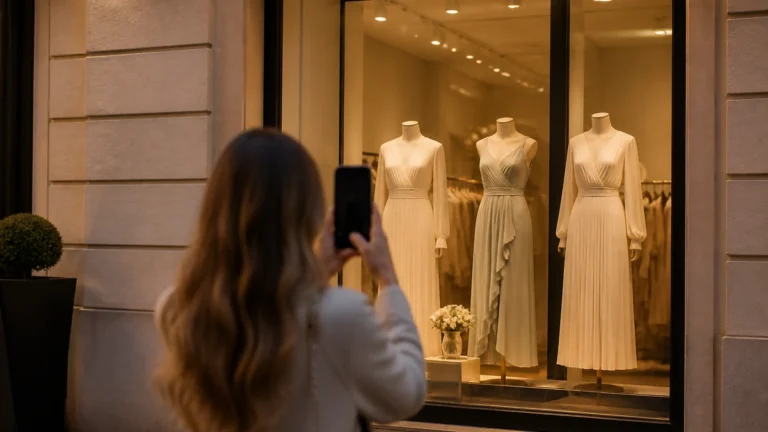
Apparel photography routinely includes belts, jewelry, and shoes the store does not sell. Shoppers ask to “get the look.” Catalog-only recommendations make the honest answer possible: complete the assortment, not the photo. That can feel strict in a demo. It is commercially safer than sending a shopper toward a product they cannot buy from you.
The same constraint applies to size and color. A request for a size that is not a variant should not produce a fictional SKU. A request for a competitor’s silhouette should resolve to the closest in-catalog options or an explicit gap. See approved-catalog language in the Ecommerce AI Glossary.
Rules still sit on top of the catalog
Catalog-only does not mean “any in-catalog item is a good recommendation.” Merchandising still decides in-stock first, collection boundaries, and suppressions. Those decisions live in the portal. Empty rules plus a messy collection strategy will surface technically valid but commercially awkward combinations. The capability is working; merchandising has not finished.
A practical walkthrough
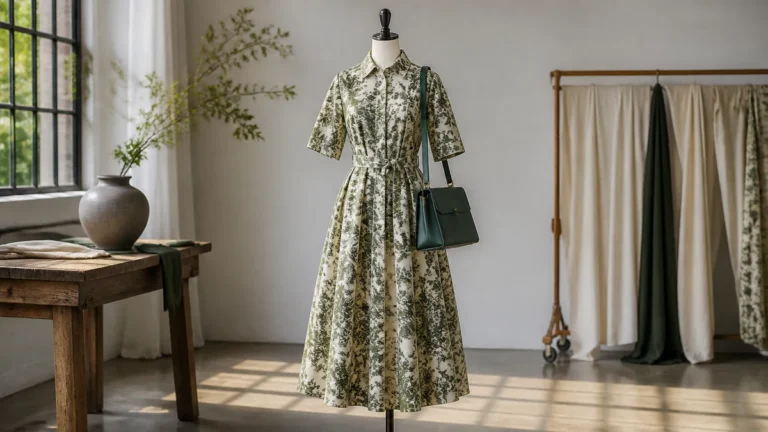
Pick one hero PDP. List every item in the hero image. Mark SKU versus prop. Ask the assistant for similar items and for a complete look. Every named product should open on your storefront. Then ask for something you do not sell and confirm the answer stays inside inventory you can defend.
Repeat after a seasonal drop. Last season’s leftover SKUs inside a live collection are a catalog-only problem even though the products are “real.” Retired-but-published is still in the approved catalog until you unpublish or exclude it.
How to brief other teams
Tell media not to promise looks the catalog cannot fulfill. Tell support not to override unavailability with a hopeful restock unless knowledge says so. Tell finance that catalog-only is not a margin feature by itself; offer logic, if used, is a separate governed capability on Margin-Aware Offers.
Do not brief that this capability reduces returns or raises conversion by a published factor. Journey quality is the honest review: relevant SKUs, unanswered questions, catalog gaps. Observational reporting: Usage and Outcome Analytics.
Related reading
Storefront assistant: AI Shopping Assistant. Discovery: Conversational Product Discovery. Launch: Getting Started. Pattern notes: Customer Stories (unnamed; not case studies). Pricing is not restated here—see Pricing.
A weekly catalog-only audit
Ask for a product you do not sell. Ask to complete a photo that includes a prop. Ask for an in-stock color and compare to Shopify. Ask for a retired SKU still sitting in a live collection. Record misses as data or rules. Canonical page: Catalog-Only Recommendations.
Fashion photography will keep including borrowed pieces. That is not a reason to weaken the constraint. It is a reason to either buy the piece into the assortment or stop promising the look. Pairing: Complete the Look.
Language to retire
- “The AI will find it somewhere.”
- “Just substitute a competitor.”
- “Recommend it anyway, we restock soon” without knowledge.
- Conversion or return percentages attached to this capability.
Sync: Shopify Catalog Sync. Assistant: AI Shopping Assistant. Glossary: Ecommerce AI Glossary.
This is merchandising control
Buyers decide the assortment. Conversation must not expand it. Awkward in-catalog combinations are rule work, not a reason to open the web. Catalog-Only Recommendations.
Retired-but-published SKUs still count as catalog. Unpublish or exclude them if they should not appear. Sync copies the current feed: Shopify Catalog Sync.